Learn how to use device filters in Microsoft 365 Conditional Access to secure apps, control access, and simplify management for any device type.
How to Use Device Filters in Conditional Access Policy Conditions
Learn how to use device filters in Microsoft 365 Conditional Access to secure apps, control access, and simplify management for any device type.

How to Enable and Enforce MFA for All Users in Microsoft 365
Learn how to enable and enforce MFA for all Microsoft 365 users using app-based push, Security Defaults, or Conditional Access - boost security and compliance.
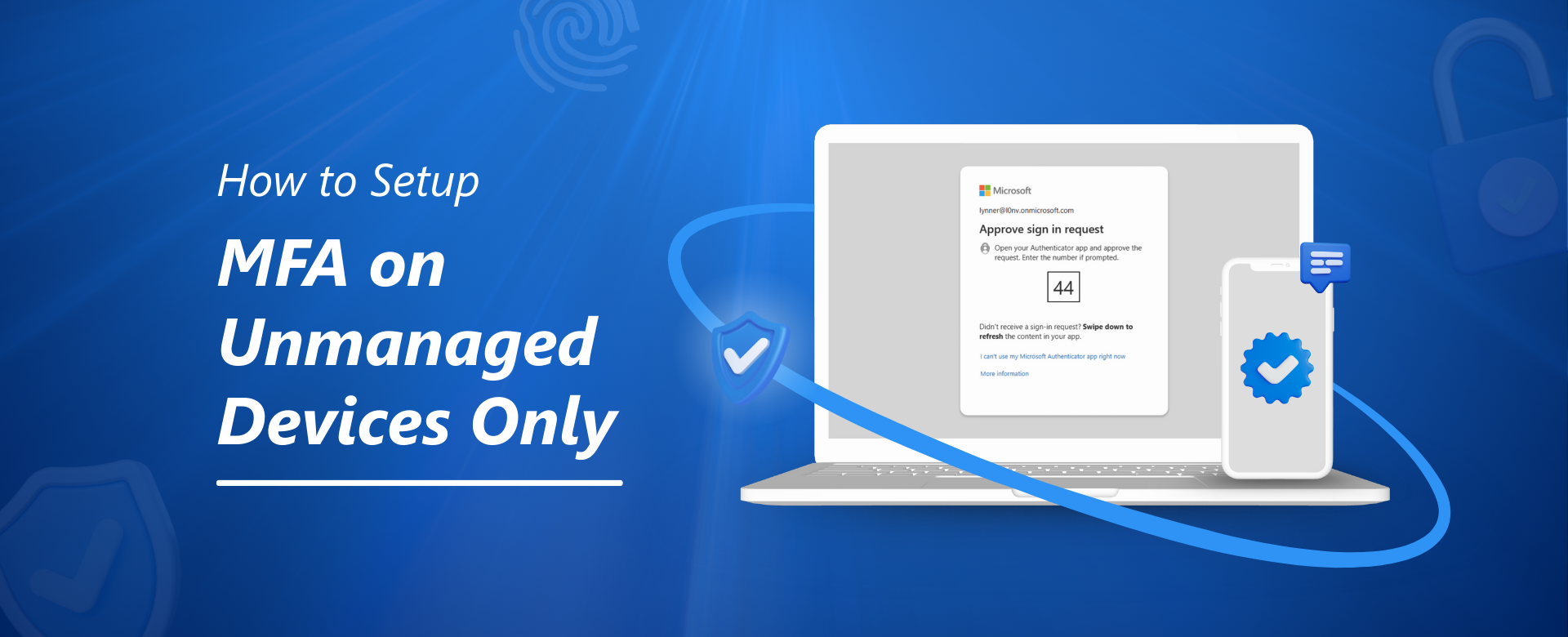
How to setup MFA on Unmanaged Devices Only
Learn how to enforce MFA policies in Microsoft 365 that apply only to unmanaged devices - enhancing security, minimizing login disruptions, and protecting sensitive data in BYOD and hybrid work environments.
How to Enforce Session Timeout Policies in Microsoft 365 Across All Devices
Learn how to enforce session timeout policies in Microsoft 365 to protect sensitive data, reduce unauthorized access, and secure web apps across all devices — especially in hybrid and remote work environments.
Microsoft 365: Stop Sensitive File Downloads on Mobile
Learn how to stop sensitive files from being downloaded on mobile devices using Microsoft 365 tools like Conditional Access, Sensitivity Labels, and Defender for Cloud Apps. Step-by-step guide with real-world scenarios, compliance tips, and admin checklists.
Managing Security Roles in Power Apps: Part 2
This blog explores three methods to manage security roles in PowerApps: using multiple SharePoint lists, SharePoint Groups, and item-level permissions. Each method offers unique advantages for role-based access control, ensuring sensitive data is accessible only to authorized users. Step-by-step guidance is provided for setting up these methods and integrating them within PowerApps to enhance data security and streamline app development.
Managing Security Roles in Power Apps: Part 1
This blog explores three methods to manage security roles in PowerApps: using multiple SharePoint lists, SharePoint Groups, and item-level permissions. Each method offers unique advantages for role-based access control, ensuring sensitive data is accessible only to authorized users. Step-by-step guidance is provided for setting up these methods and integrating them within PowerApps to enhance data security and streamline app development.
Top Strategies to Optimize Your Microsoft 365 Security Posture for Maximum Protection
Explore top strategies to optimize your Microsoft 365 security posture for maximum protection. This blog provides insights into the evolving threat landscape, the importance of enhancing security posture, and practical strategies to strengthen your M365 environment. Learn about common threats, the role of multi-factor authentication, data loss prevention, regular security audits, and the importance of user education. The blog also includes real-world examples of security breaches and case studies demonstrating the effectiveness of robust security measures.
Stay Ahead of Threats with Microsoft Copilot for Security - What You Need to Know
Cybersecurity threats are constantly evolving, keeping IT professionals on their toes. But what if you had a powerful AI assistant by your side, proactively hunting threats and simplifying security operations? Enter Microsoft Copilot for Security, a game-changer in the cybersecurity landscape.
Top 5 Configurations to Improve Identity Secure Score
In this blog, we will discuss the overview of Identity Secure Score in Azure AD and the top 5 configurations that will improve your Secure Score. These recommendations come from working in the Azure AD security space for multiple years across different industry verticals.