CMMC compliance on Microsoft 365 starts with the right environment. See what NIST 800-171 Level 2 requires and how to configure your tenant for assessment.

I’ve helped dozens of organizations secure their Microsoft 365 tenants.
Almost every time, I see the same pattern:
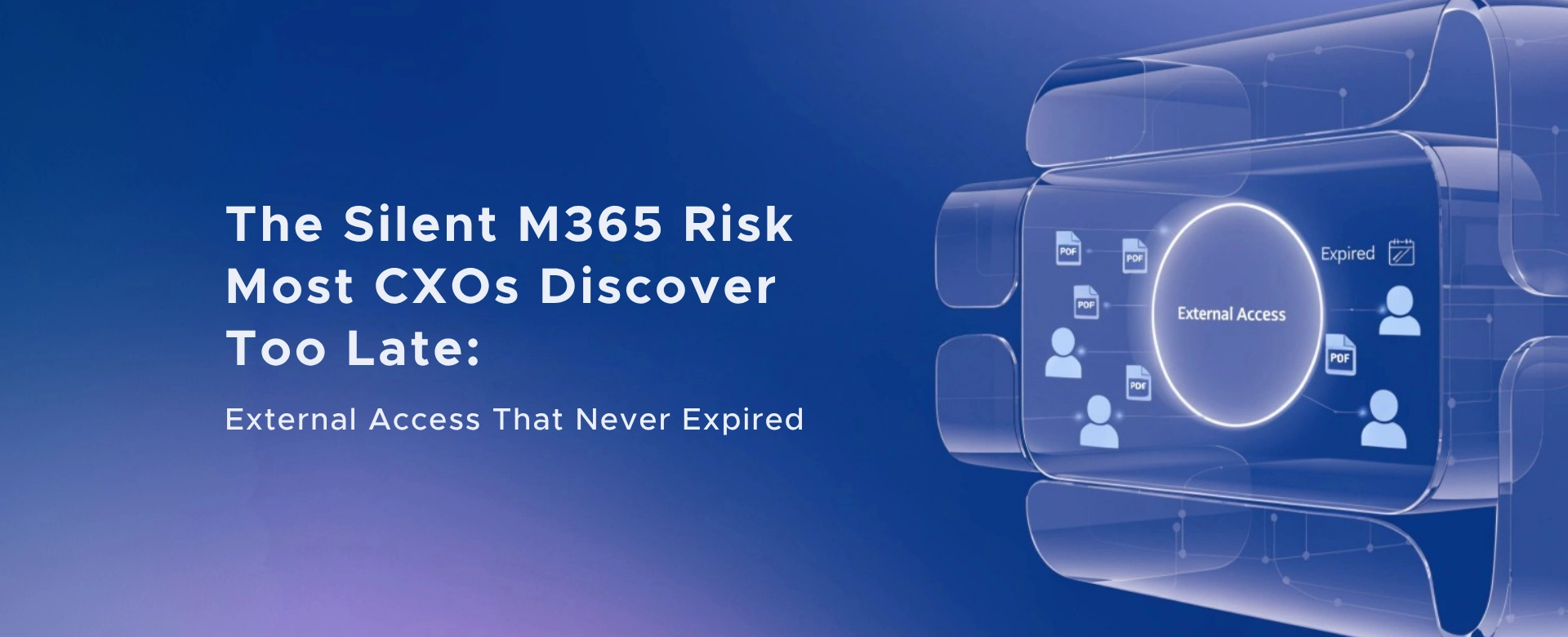
External access was granted for a legitimate reason. The project ended. The access… never did.
No alerts. No ownership. No review cycle. And eventually, no control.
This isn’t a tooling problem. It’s a governance blind spot - and it quietly violates the core principle of Zero Trust: least privilege, only when needed.
Public breaches repeatedly show that excessive or unreviewed access is often the weakest link.
None of these started with malicious intent. They started with “just share it for now.”
Here’s the uncomfortable truth:
Without a formal review process:
Microsoft already provides the control plane. Most organizations just don’t turn it on.
Microsoft Entra ID Access Reviews
Access Reviews allow you to:
This is part of Microsoft Entra ID Governance (formerly Azure AD Identity Governance)
A mature, low‑friction model I recommend to leadership teams:
This aligns cleanly with Zero Trust and least‑privilege principles - without slowing collaboration.
To avoid confusion I see in many board discussions:
Important nuance: You don’t need P2 for every guest user - licensing applies to reviewers and governance execution, not just account existence.
“If a vendor we worked with last year still has access to our data - how would we know?”
If the answer isn’t immediate and evidence‑backed, the risk is already there.
Zero Trust isn’t about saying no to collaboration. It’s about knowing who has access, why they have it, and when it should end.
Access Reviews turn that from a manual hope into an automated guarantee.
If you’d like, I’m happy to share:
Because this problem doesn’t announce itself - until it’s already on the front page.
Monthly updates, news & events from Microsoft to help your business grow.

CEO at Penthara Technologies


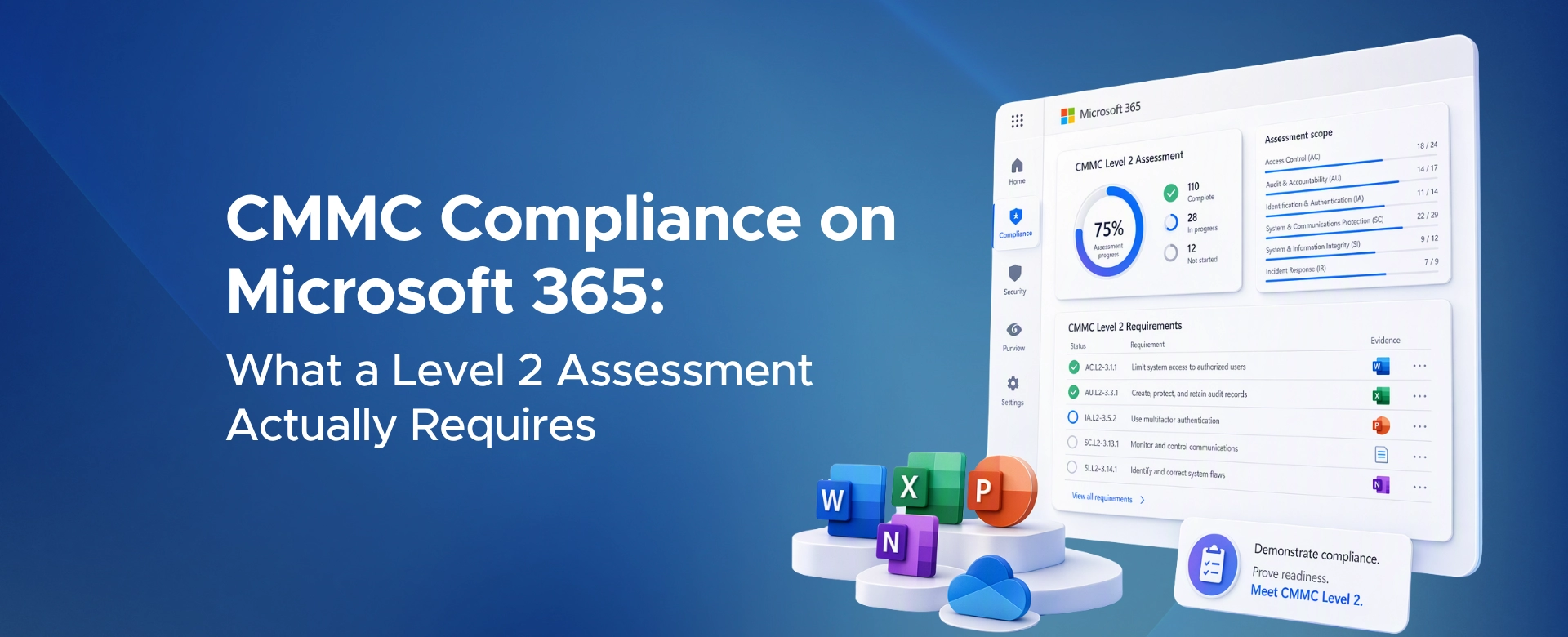 CMMC Compliance on Microsoft 365: What a Level 2 Assessment Actually Requires
CMMC compliance on Microsoft 365 starts with the right environment. See what NIST 800-171 Level 2 requires and how to configure your tenant for assessment.
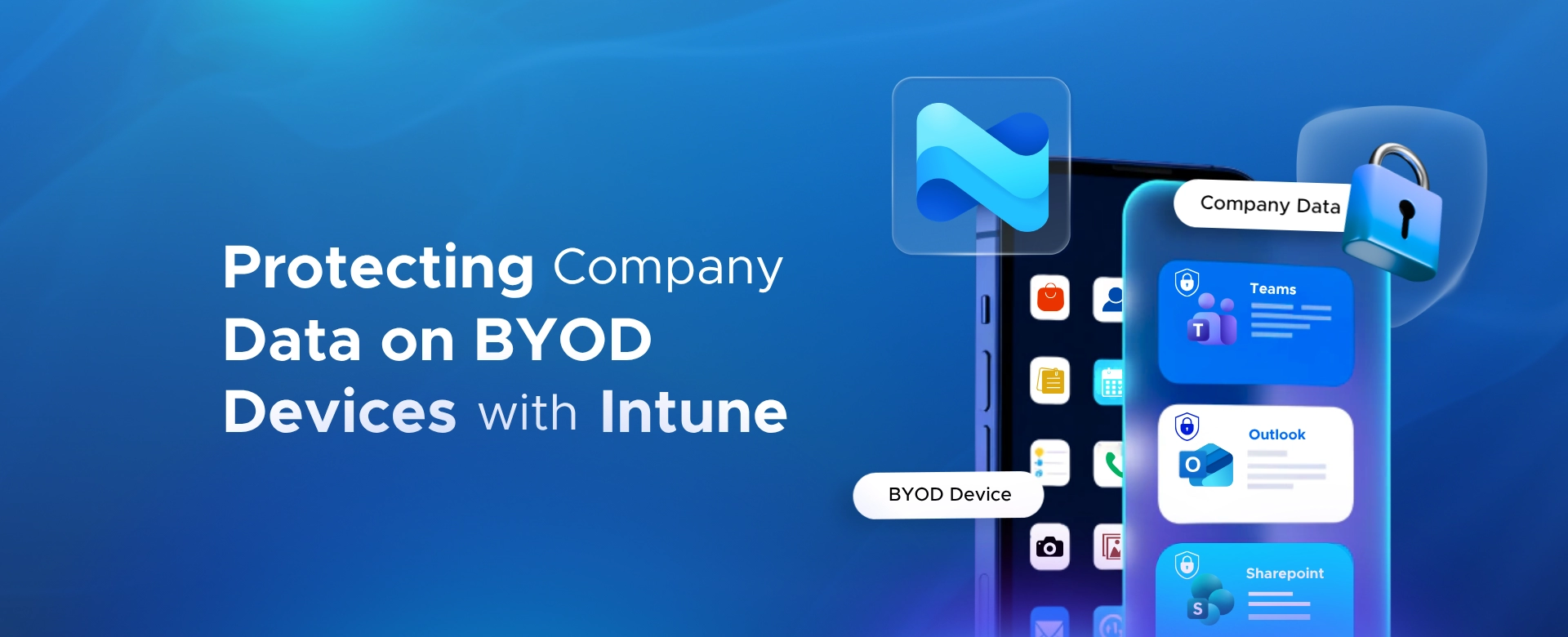 Protecting Company Data on BYOD Devices with Intune
Learn how to protect company data on BYOD devices with Microsoft Intune, using app protection policies, Conditional Access, MAM, and selective wipe.
 How to Block Unsafe Websites on Work Devices
Protect work devices from phishing, malware, and risky web content by using Microsoft Defender and Intune to block unsafe websites across your organization.