
Security alerts mean nothing if no one investigates them. Ignored alerts create false confidence - and give attackers the time they need to cause real damage.


I have helped dozens of organizations secure their Microsoft 365 tenant. Firewalls were solid. MFA was enabled. Security reviews looked clean.
Yet one misconfiguration quietly sent thousands of emails outside the organization for months.
External email forwarding.
No alerts. No malware. No obvious trace.
And yes, this has already cost companies millions of dollars.
An attacker compromises one account - usually through phishing.
They do not deploy ransomware. They do not move laterally. They create one inbox rule: forward every email containing "contract," "wire," "board," or "acquisition" to an external address they control.
Then they log out and wait.
The rule runs silently. Day after day. For weeks. Sometimes months.
By the time anyone checks, thousands of emails - M&A conversations, financial data, legal strategy, vendor contracts - have already left your organization.
No breach notification. No audit log review. Just a continuous, automated leak.
The FBI documented this exact pattern and flagged it explicitly: attackers are using forwarding rules because they work, they persist, and most organizations are not looking for them.
This is where most security leaders get caught.
Even if the compromised user changes their password or enables MFA after the fact, the forwarding rule remains active. The attacker no longer needs access to the account. The emails keep arriving.
One compromised mailbox. One rule. Continuous exfiltration.
That is not a theoretical risk. That is a documented attack vector with billions of dollars in confirmed losses behind it.
The FBI's IC3 2024 Annual Report recorded over 21,000 Business Email Compromise complaints, with losses approaching $2.8 billion - and nearly $8.5 billion in cumulative BEC losses between 2022 and 2024. Email forwarding rule abuse is one of the primary techniques behind these numbers.
Real examples:
Different organizations. Different industries. Same root cause.
A forwarding rule that no one was watching.
Most Microsoft 365 tenants were not configured with forwarding restrictions in mind.
In many tenants - especially older or customized ones - external forwarding remains enabled or insufficiently restricted.
And if you are rolling out Microsoft Copilot, the surface area grows further. Copilot surfaces what users have access to. If sensitive emails are being forwarded unchecked, the governance gap that enabled that also affects what Copilot can expose through AI-driven search and summarization.
Forwarding is not an edge case. It is an open door.
No third-party tools required.
Use Exchange Online outbound spam filter policies to block automatic external forwarding by default. This is a single policy. It eliminates the most common attack vector entirely.
Approved business exceptions can be allow-listed. But the default must be blocked.
Use Microsoft Purview Audit and Alert Policies to trigger notifications whenever a user creates or modifies a mail forwarding rule.
A rule created at 3 AM from an unfamiliar location should be an immediate alert - not something you discover in a post-incident review six weeks later.
Run a one-time review of existing inbox rules across your tenant, starting with executive, finance, and legal mailboxes.
This is not a recurring project. It is a baseline you should have established already.
Microsoft Defender for Office 365 can detect anomalous mailbox activity - including unusual rule creation patterns - as part of broader threat detection.
This moves you from reactive discovery to proactive alerting.
Microsoft Secure Score actively flags whether external forwarding is blocked and whether forwarding rule alerts are configured.
If these items appear in your recommendations and remain unaddressed, you have a documented, open exposure. That is a governance decision, not a backlog item.
Here is the straight answer I give leadership teams:
The most critical control - blocking external forwarding - costs nothing beyond what most organizations already have.
There is no licensing excuse for leaving this open.
If an attacker can compromise one account and quietly receive your board communications, M&A conversations, and financial approvals for months without triggering a single alert - you do not have Zero Trust.
You have visibility gaps dressed up as security.
Forwarding rules are not exotic. They are not sophisticated. They keep working because organizations are not looking for them.
If you are a CISO, CIO, or CEO reading this: ask your team three questions today.
Is external forwarding blocked by default in our tenant? When did we last audit inbox rules across executive and finance mailboxes? Do we have an active alert when a forwarding rule is created?
If the answer to any of those is "I'm not sure" - you have your starting point.
Because the attacker already knows your answer.
I help organizations design and implement Zero Trust security architectures across Microsoft 365. If you want a second set of eyes on your tenant configuration, contact us.
Monthly updates, news & events from Microsoft to help your business grow.

CEO at Penthara Technologies


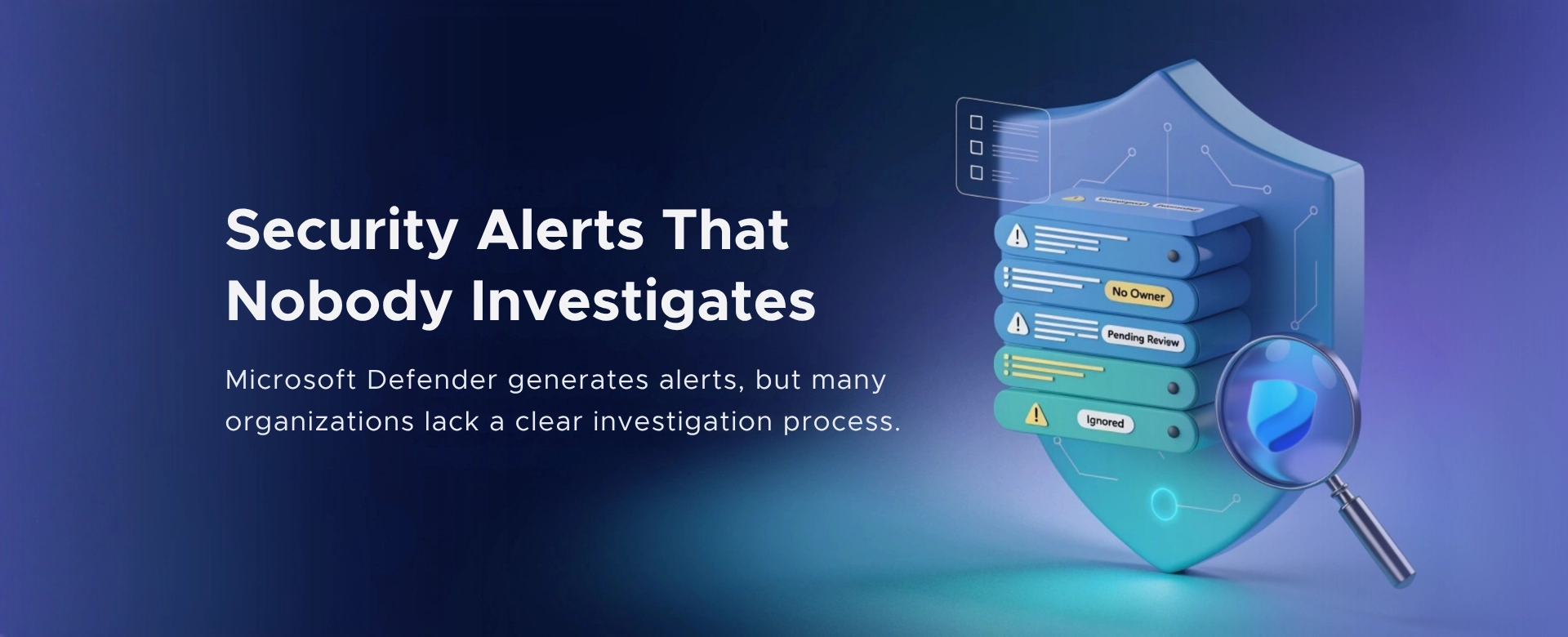 Security Alerts That Nobody Investigates - And Why That’s More Dangerous Than Having None
Security alerts mean nothing if no one investigates them. Ignored alerts create false confidence - and give attackers the time they need to cause real damage.
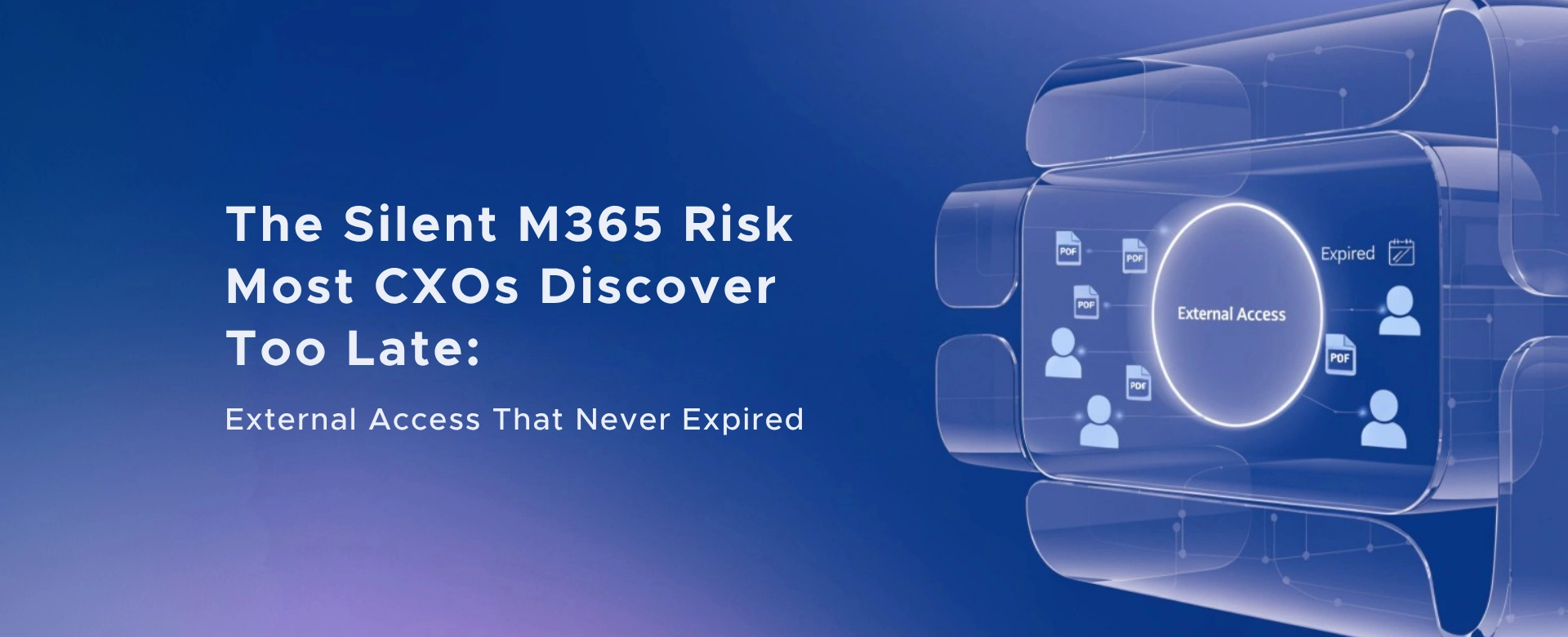 The Silent M365 Risk Most CXOs Discover Too Late: External Access That Never Expired
A hidden Microsoft 365 risk many CXOs overlook - expired external access that quietly breaks Zero Trust and exposes organizations to serious security gaps.
 The Shadow Admin Problem in Microsoft 365 – A Silent Risk Most CXOs Miss
Shadow admins in Microsoft 365 create invisible security, compliance, and governance risks - often without CXOs realizing how exposed their environment truly is.