
Your Microsoft 365 tenant can leak data silently - no malware, no alerts. Learn how simple misconfigurations enable ongoing email and data exfiltration.


If I had to name one Microsoft 365 security issue that looks harmless but quietly breaks Zero Trust, it’s this:
Shared mailboxes with excessive access. Not 2–3 delegates. I mean 20, 40, sometimes 80+ people who can read everything, send as the mailbox, move messages, create rules, and delete evidence.
It’s common. It’s convenient. And it’s a problem.
A shared mailbox is often where the highest-value conversations live:
Use a security group per shared mailbox:
This makes access review and removal simpler and consistent.
If you can’t investigate, you can’t govern.
Microsoft Purview Audit is the backbone for answering: who did what, when.
Key point: Audit (Premium) enables longer retention and retention policies (up to 10 years with the right licensing), which is important because many fraud investigations are discovered late.
This is where most organizations fail: permissions drift.
Use Microsoft Entra ID Governance Access Reviews to run a recurring review of the group that controls shared mailbox access.
Microsoft explicitly documents that Access Reviews require Microsoft Entra ID Governance or Microsoft Entra Suite licenses.
You can configure:
For many CXO environments, the simplest governance wins.
Create a SharePoint list like:
Then use Power Automate to:
Power Automate supports shared mailbox related email scenarios and shared mailbox actions in Microsoft 365.
Licensing cheat-sheet (clear and executive-friendly)
Here’s the straight answer, without marketing fluff:
For automated access recertification (recommended)
For deeper auditing and longer retention
(If your organization is unsure, start with what you have and map requirements against Microsoft’s Purview licensing guidance.)
Most shared mailbox incidents are not caused by bad intent. They happen because permissions accumulate silently.
People change roles. Vendors leave. Projects end. Access stays.
Zero Trust is not about blocking work. It’s about removing access that no longer has a reason to exist.
Shared mailboxes are one of the most overlooked places where this principle quietly fails.
If you’re a CXO and you’re not sure:
I’m happy to have a conversation.
I regularly help leadership teams:
Feel free to contact us. Even a short discussion can uncover risks that usually stay hidden until it’s too late.
Monthly updates, news & events from Microsoft to help your business grow.

CEO at Penthara Technologies


 Your Microsoft 365 Tenant Has a Silent Data Leak. It Requires No Malware.
Your Microsoft 365 tenant can leak data silently - no malware, no alerts. Learn how simple misconfigurations enable ongoing email and data exfiltration.
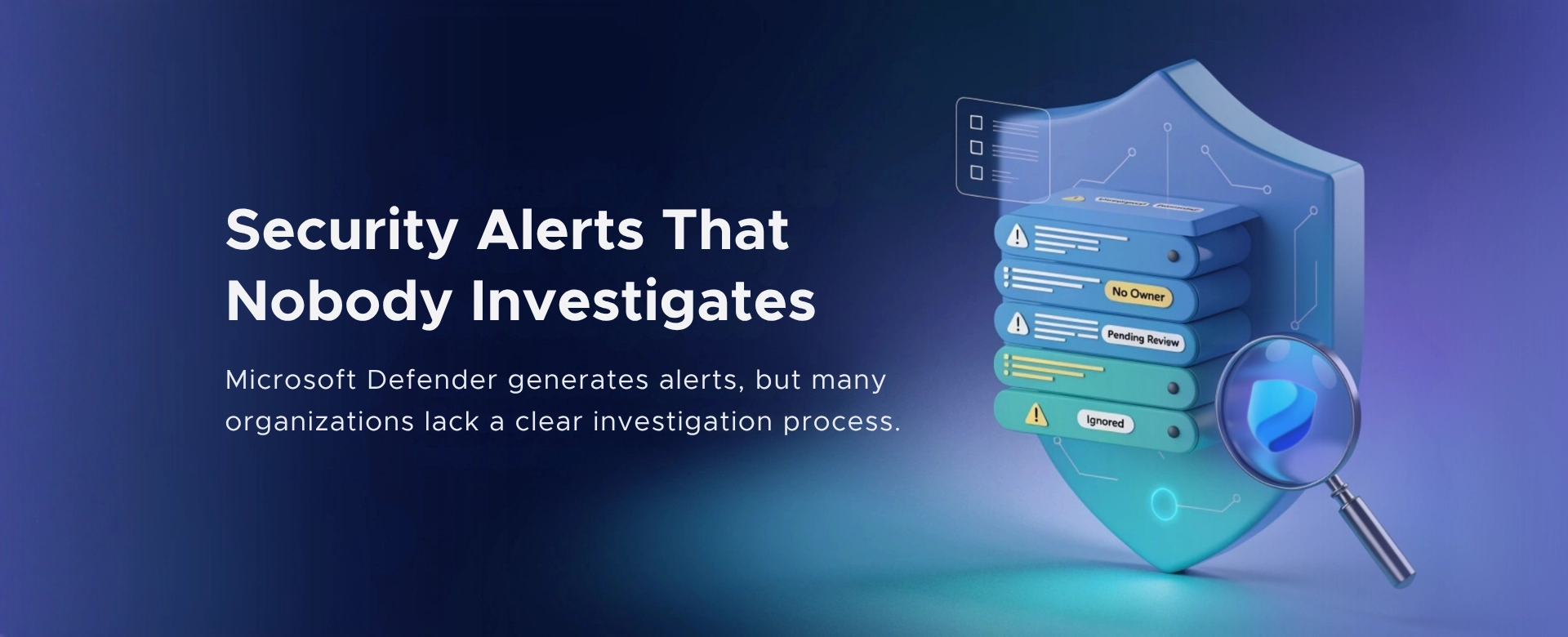 Security Alerts That Nobody Investigates - And Why That’s More Dangerous Than Having None
Security alerts mean nothing if no one investigates them. Ignored alerts create false confidence - and give attackers the time they need to cause real damage.
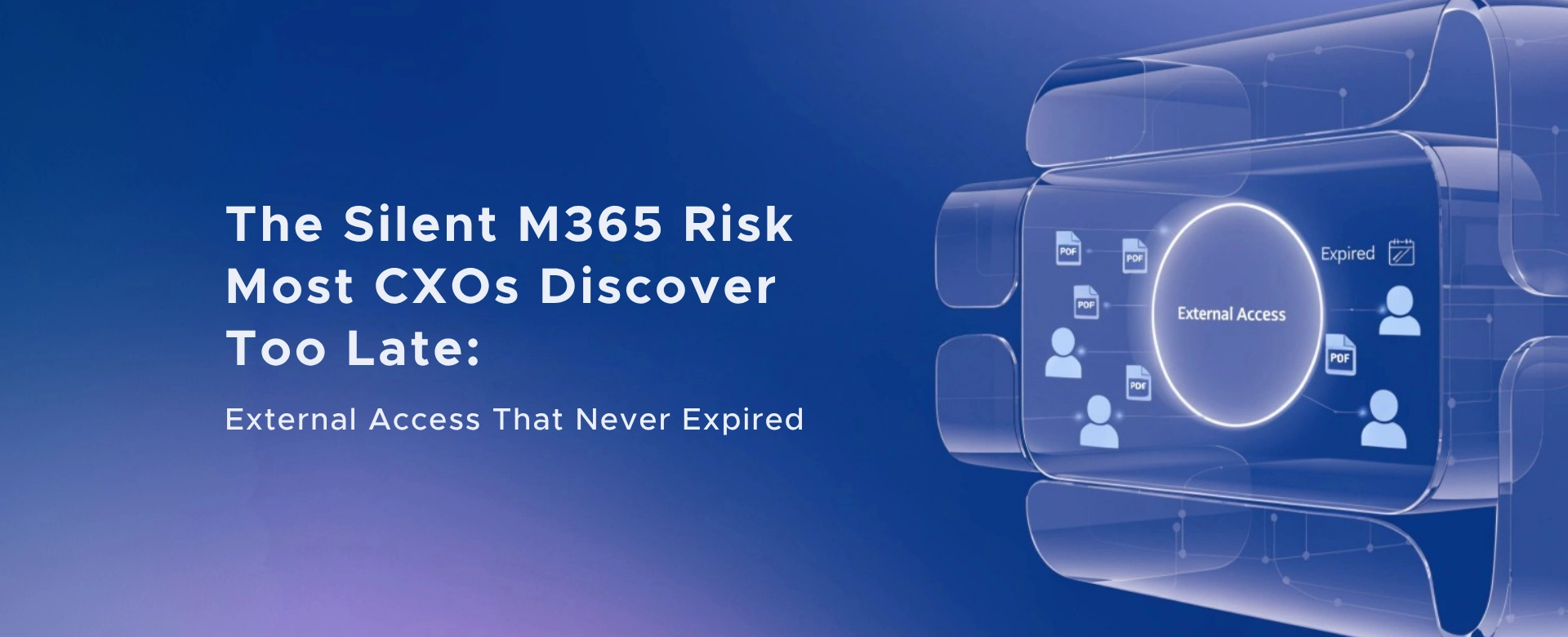 The Silent M365 Risk Most CXOs Discover Too Late: External Access That Never Expired
A hidden Microsoft 365 risk many CXOs overlook - expired external access that quietly breaks Zero Trust and exposes organizations to serious security gaps.