Protect work devices from phishing, malware, and risky web content by using Microsoft Defender and Intune to block unsafe websites across your organization.

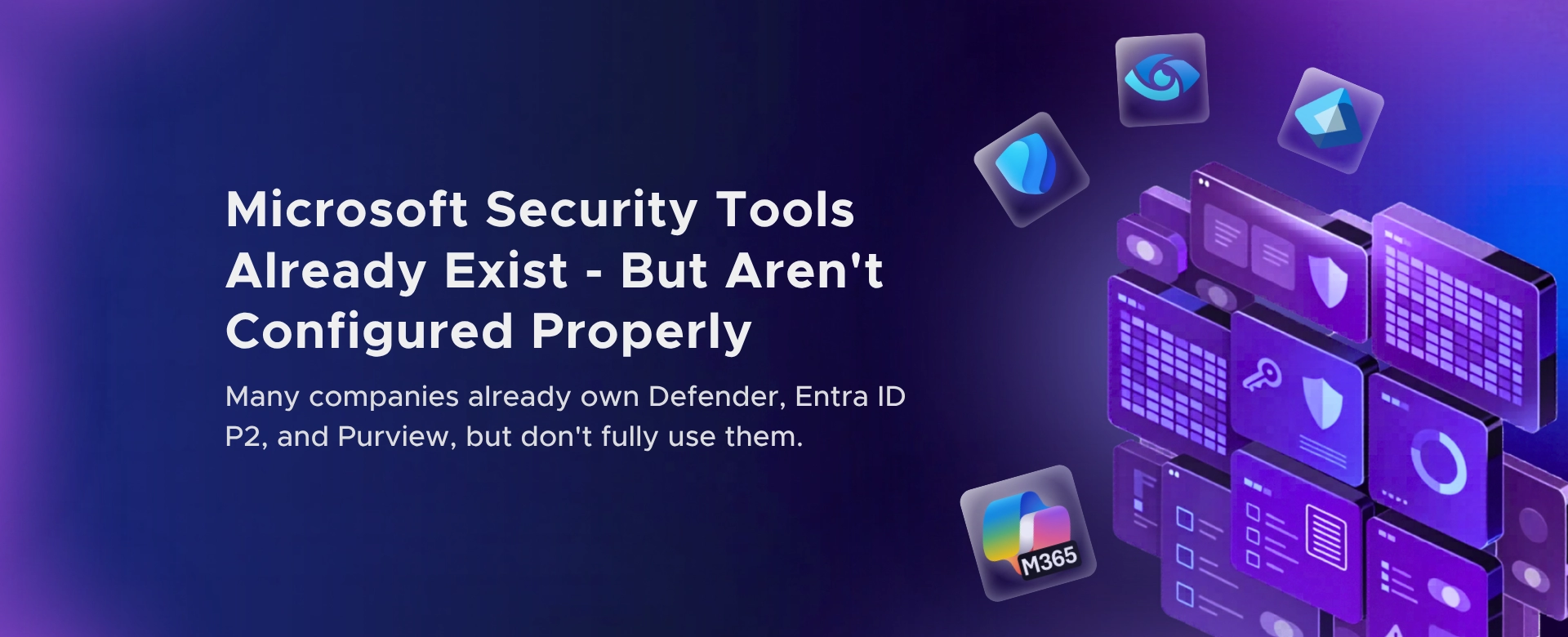
Most organizations don’t have a security tooling problem.
They have a security configuration problem.
Defender is deployed. Entra ID P2 is licensed. Purview is available.
And somehow, risk still moves freely through the tenant.
That’s not because Microsoft’s security stack is weak. It’s because large parts of it are never fully configured or operationalized.
I regularly see Microsoft 365 environments where:
On paper, the organization is “covered.” In reality, most of the value is left unused.
Security exists. Security outcomes do not.
This isn’t laziness. It’s friction and misunderstanding.
Common reasons:
Over time, the environment drifts into a false sense of safety.
Defender raises alerts, but:
Entra ID P2 is present, but:
Purview is licensed, but:
None of these failures are dramatic. That’s why they persist.
Buying the license is the easy part. Wiring the controls into daily operations is where organizations stall.
A security tool that exists but isn’t enforced:
It just shows up in audits and renewal discussions.
Not everything needs to be perfect. But a few areas make an outsized difference.
1. Decide what “expected behavior” looks like If security teams can’t distinguish normal from risky activity, alerts will always be ignored.
2. Enforce outcomes, not visibility Seeing risk without automatically responding to it changes nothing.
3. Reduce reliance on defaults Most defaults are designed to avoid business disruption, not to reduce exposure.
4. Assign ownership, not just access Every control needs a person accountable for its effectiveness.
5. Revisit security posture quarterly Security configuration is not a one‑time project.
Many organizations already pay for strong security capabilities.
They just never cross the line from: “Enabled” to “Actually protecting us.”
That gap is where identity abuse, data exposure, and slow-burn incidents grow.
Fixing it rarely requires buying something new. It requires finishing what was already started.
If you’re a CXO and you’re not sure:
it’s worth a conversation.
I help leadership teams:
Feel free to contact us.
Most security gaps don’t come from missing tools. They come from unfinished configurations.

Monthly updates, news & events from Microsoft to help your business grow.

CEO at Penthara Technologies


 How to Block Unsafe Websites on Work Devices
Protect work devices from phishing, malware, and risky web content by using Microsoft Defender and Intune to block unsafe websites across your organization.
 Your Microsoft 365 Tenant Has a Silent Data Leak. It Requires No Malware.
Your Microsoft 365 tenant can leak data silently - no malware, no alerts. Learn how simple misconfigurations enable ongoing email and data exfiltration.
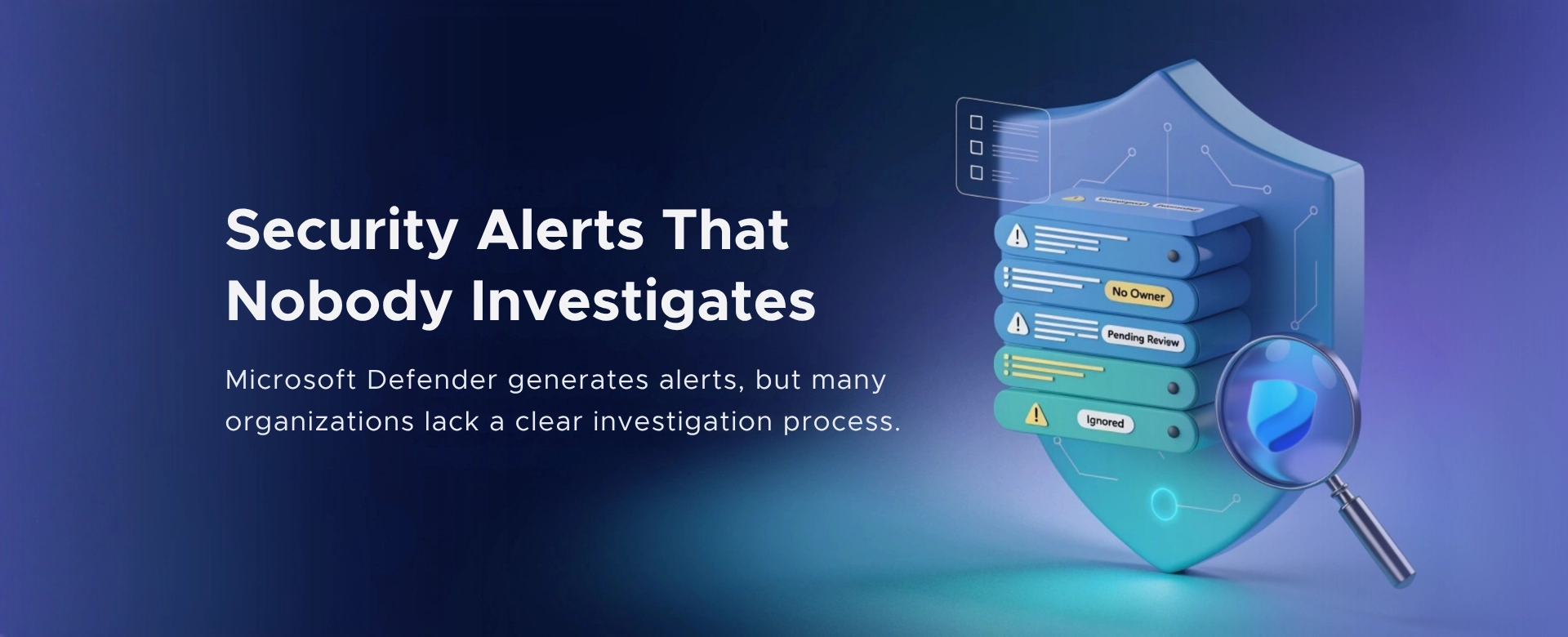 Security Alerts That Nobody Investigates - And Why That’s More Dangerous Than Having None
Security alerts mean nothing if no one investigates them. Ignored alerts create false confidence - and give attackers the time they need to cause real damage.