Your Microsoft 365 tenant can leak data silently - no malware, no alerts. Learn how simple misconfigurations enable ongoing email and data exfiltration.

I have helped dozens of organizations secure their Microsoft 365 tenant. Firewalls were solid. MFA was enabled. Zero Trust slides looked great.
Yet one permission quietly exposed thousands of files internally.
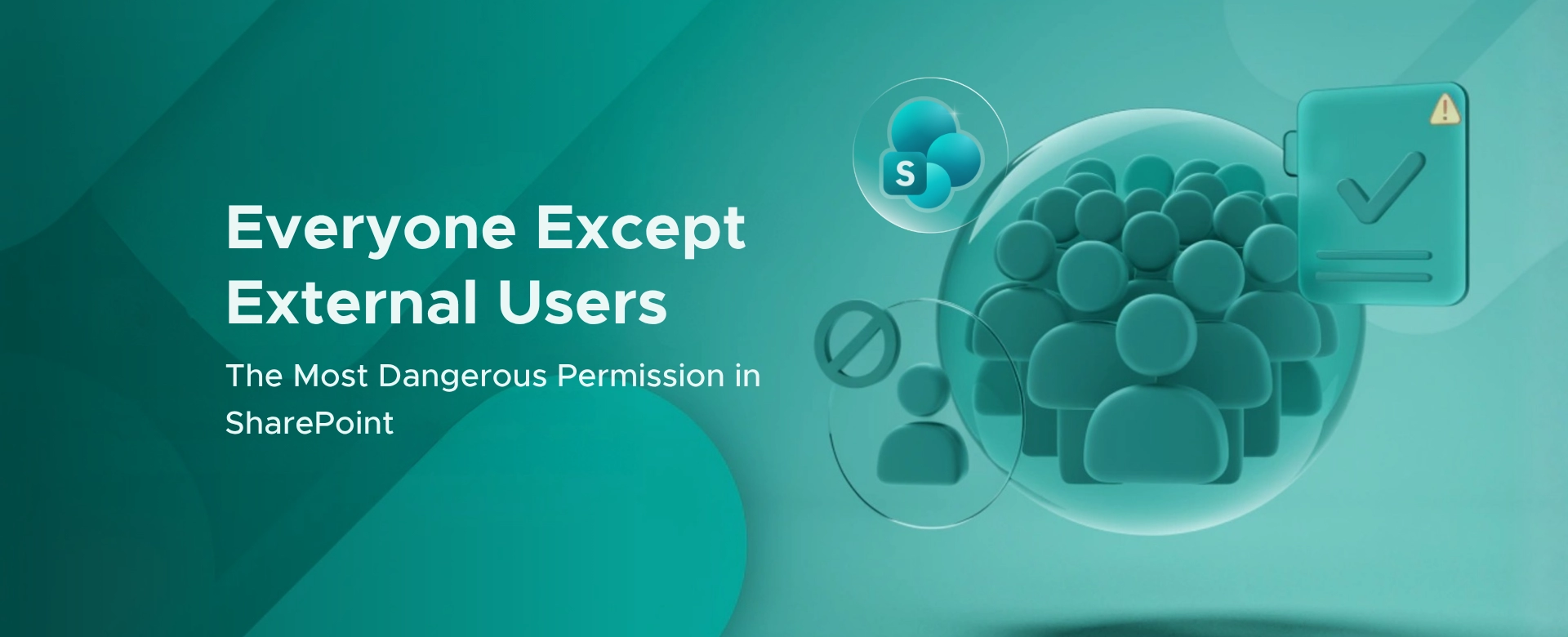
“Everyone Except External Users.” (referred to as EEEU throughout this article)
On paper, it sounds safe. In reality, it is one of the fastest ways to violate least privilege inside your organization.
And yes, this has already cost companies millions of dollars.
This permission group automatically includes every internal identity:
If a single site, library, or file is shared with it, your entire organization gets access.
Microsoft explicitly warns that EEEU sharing can lead to unintended data exposure because it grants access to all current and future employees.
I have seen this used accidentally during:
No alerts. No approvals. Massive blast radius.
Most high‑impact breaches are not caused by hackers. They are caused by over‑permissive access controls.
Real examples:
Different platforms. Same root cause.
Over‑permissioned access.
Microsoft Copilot does not invent data. It surfaces what users already have access to.
Overshared content becomes instantly discoverable through AI‑driven search and summarization, amplifying internal exposure risks.
If your tenant has EEEU sprawl, Copilot will surface it faster than any auditor ever could.
No third‑party tools required.
Use SharePoint Data Access Governance reports to detect sites and files shared with Everyone Except External Users
This gives you visibility into:
Use Microsoft Purview Information Protection to:
Apply Restricted Content Discovery to prevent overshared sites from appearing in search and Copilot responses while remediation is in progress
Use Purview Data Lifecycle Management to automatically delete or archive stale data that no one should still have access to
Use Purview Data Security Posture Management to continuously detect and remediate oversharing risks before they become incidents
Here is the straight answer I give boards:
This is not a tooling problem. It is a governance decision.
If a single click can expose your internal IP, financials, or HR data to every employee, you do not have Zero Trust.
You have hope‑based security.
And hope is not a control.
If you are rolling out Copilot or believe your data is “internal‑only and safe,” this is the moment to validate that assumption.
Because attackers are not always external.
Sometimes they are just over‑permissioned.
Monthly updates, news & events from Microsoft to help your business grow.

CEO at Penthara Technologies


 Your Microsoft 365 Tenant Has a Silent Data Leak. It Requires No Malware.
Your Microsoft 365 tenant can leak data silently - no malware, no alerts. Learn how simple misconfigurations enable ongoing email and data exfiltration.
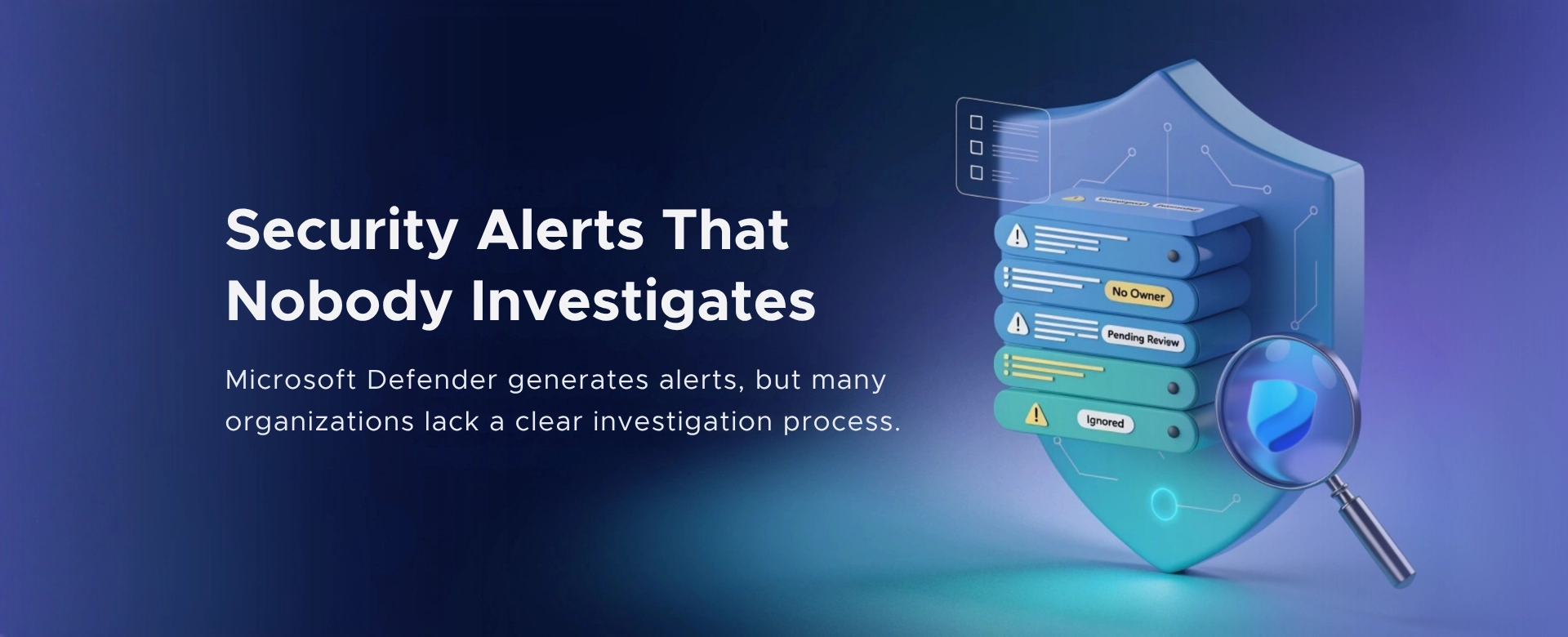 Security Alerts That Nobody Investigates - And Why That’s More Dangerous Than Having None
Security alerts mean nothing if no one investigates them. Ignored alerts create false confidence - and give attackers the time they need to cause real damage.
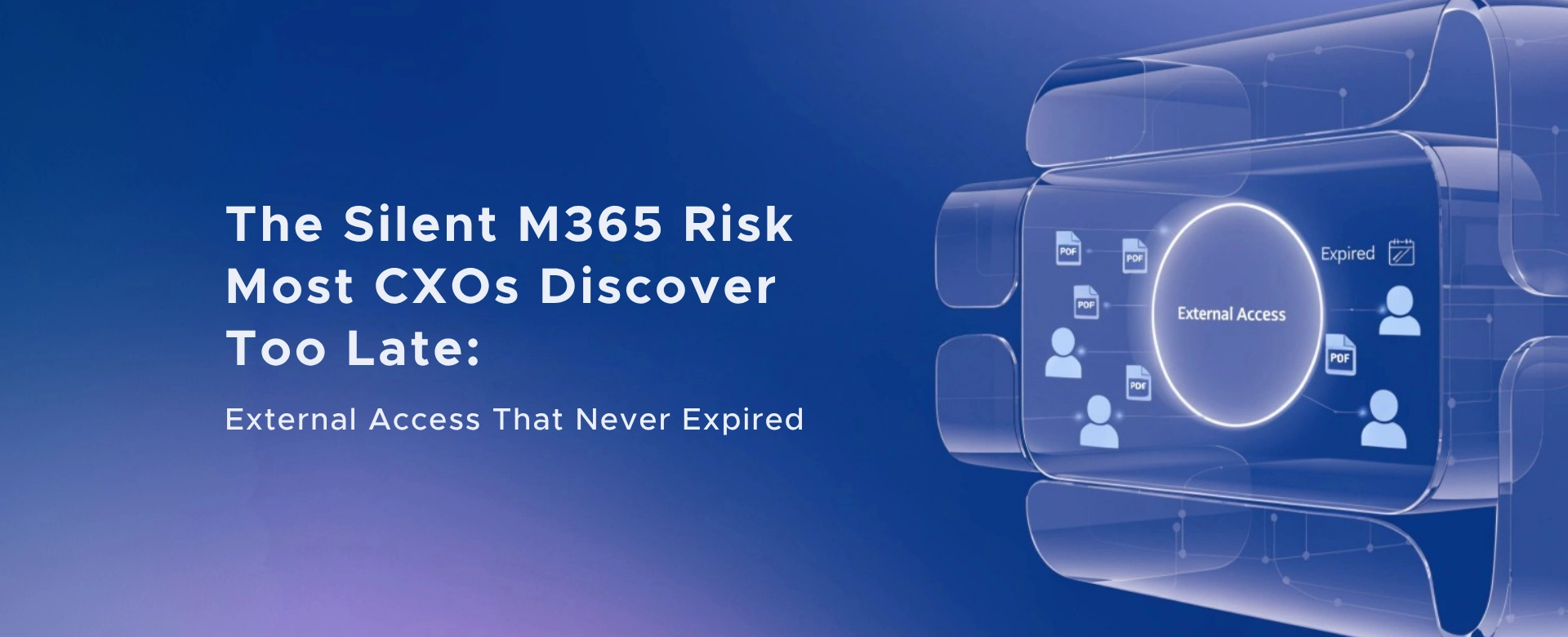 The Silent M365 Risk Most CXOs Discover Too Late: External Access That Never Expired
A hidden Microsoft 365 risk many CXOs overlook - expired external access that quietly breaks Zero Trust and exposes organizations to serious security gaps.