
Protect work devices from phishing, malware, and risky web content by using Microsoft Defender and Intune to block unsafe websites across your organization.

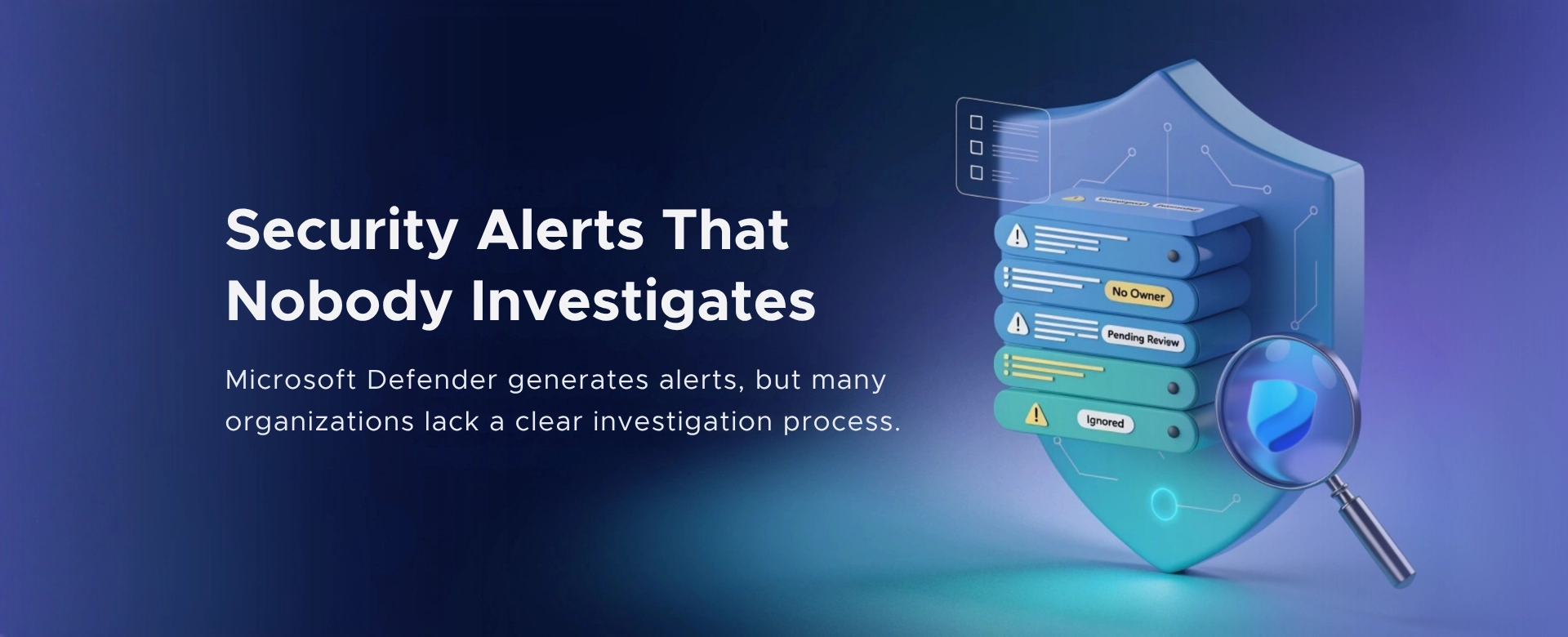
If I had to name one Microsoft 365 security failure that looks disciplined on paper but quietly fails in reality, it’s this:
Security alerts that nobody actually investigates.
Microsoft Defender generates alerts. Dashboards look busy. Scores look acceptable.
And yet, in many organizations, alerts are acknowledged, not investigated.
Microsoft Defender does its job. It flags suspicious behavior, risky sign‑ins, malware signals, email threats, and identity anomalies.
The real breakdown usually happens after the alert is created.
Common patterns I see:
Over time, teams stop trusting alerts. And attackers rely on that.
Leadership often assumes: “We have Defender. We’re covered.”
What’s missing is a repeatable answer to one simple question:
When an alert fires, what happens next?
In many environments:
An alert that is not investigated is not noise. It’s unresolved risk.
This problem is rarely caused by negligence. It’s caused by unclear responsibility.
Typical reasons:
Over time, alerts become background activity instead of security signals.
Many breaches don’t start with a “critical” alert. They start with smaller indicators:
When these signals are ignored, attackers get time. Time increases impact.
Security does not fail at detection. It fails at follow‑through.
This doesn’t require more tools. It requires structure.
Every alert category must have an owner:
If everyone owns alerts, no one does.
For every alert, someone needs to answer:
No deep forensics required on day one. Just a decision and documentation.
Every alert investigation should answer:
If these questions aren’t answered, the alert isn’t resolved.
An alert is not “done” when it’s closed in the portal.
It’s done when:
Otherwise, the same alert will return.
Security tools do not reduce risk. Decisions reduce risk.
Alerts are opportunities to make decisions:
When alerts go uninvestigated, organizations accumulate silent exposure.
Having alerts and ignoring them is often worse than not having them at all. At least then, leadership knows where the gap is.
If you’re a CXO and you’re not sure:
it’s worth a conversation.
I regularly help leadership teams:
Feel free to contact us.
Sometimes the most dangerous alerts are the ones everyone is used to seeing.

Monthly updates, news & events from Microsoft to help your business grow.

CEO at Penthara Technologies


 How to Block Unsafe Websites on Work Devices
Protect work devices from phishing, malware, and risky web content by using Microsoft Defender and Intune to block unsafe websites across your organization.
 Your Microsoft 365 Tenant Has a Silent Data Leak. It Requires No Malware.
Your Microsoft 365 tenant can leak data silently - no malware, no alerts. Learn how simple misconfigurations enable ongoing email and data exfiltration.
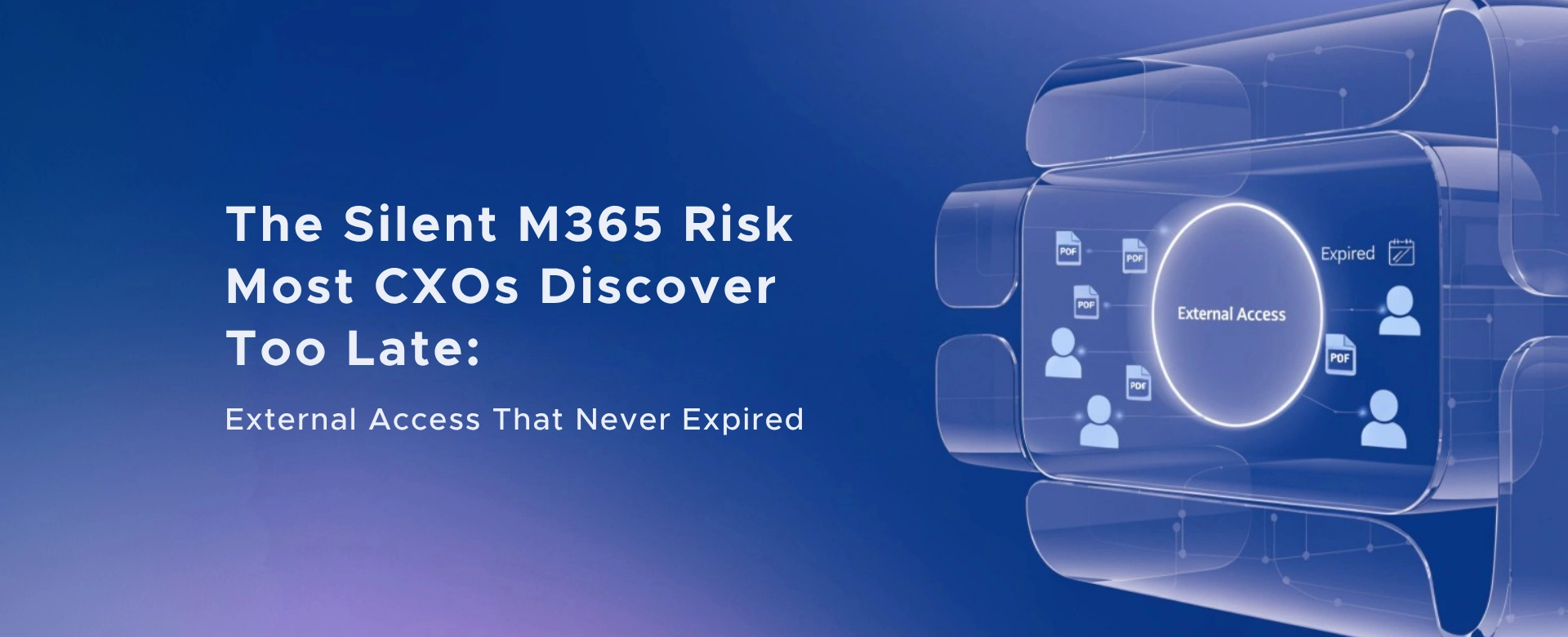 The Silent M365 Risk Most CXOs Discover Too Late: External Access That Never Expired
A hidden Microsoft 365 risk many CXOs overlook - expired external access that quietly breaks Zero Trust and exposes organizations to serious security gaps.