
CMMC compliance on Microsoft 365 starts with the right environment. See what NIST 800-171 Level 2 requires and how to configure your tenant for assessment.

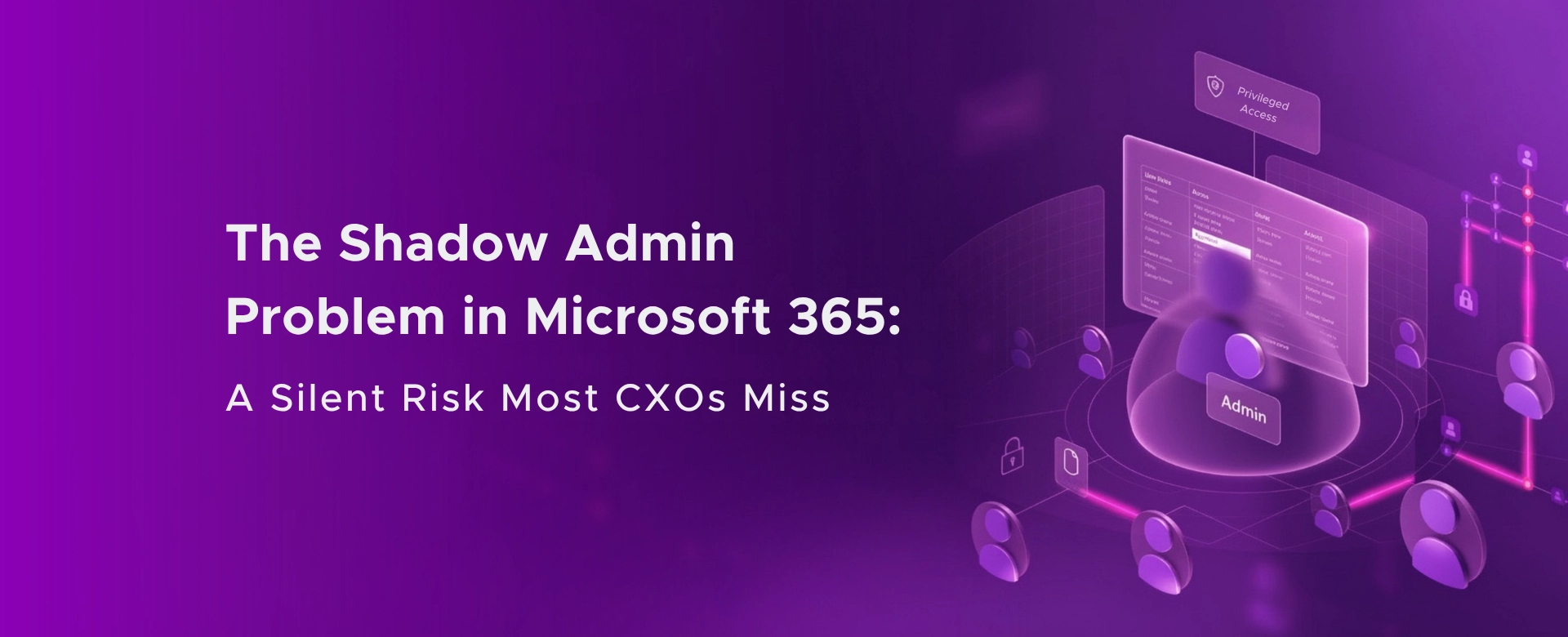
I have helped dozens of organizations secure their Microsoft 365 tenants. One pattern keeps repeating, across industries and company sizes.
Organizations believe they have locked down Global Admin access. Yet breaches still happen.
The root cause is often something less obvious – Shadow Admins.
These are users holding roles like Exchange Admin, SharePoint Admin, Teams Admin, Application Admin, or Privileged Role Admin. On paper, they are not Global Admins. In reality, they can still move laterally, elevate privileges, exfiltrate data, and create long‑term persistence.
This is not theoretical. It has already cost companies hundreds of millions of dollars.
Capital One – $190M lesson in over‑permissioned access
The Capital One breach exposed data of over 106 million individuals and resulted in $190 million in settlements. The attacker exploited a cloud misconfiguration combined with over‑permissive IAM roles that allowed access far beyond what was needed. One role, attached to the wrong workload, unlocked massive data access. Least privilege was assumed, not enforced Over‑privileged identities turn a single mistake into a company‑wide breach.
Okta and Lapsus$ – Admin access without governance
The Lapsus$ attacks showed how admin‑level access held by support engineers and third‑party identities can be abused. Even when full Global Admin rights were not present, attackers could reset credentials, bypass MFA, and impact hundreds of downstream customers. The incident highlighted the danger of standing administrative access without continuous review.
Microsoft 365 tenants with long‑lived Exchange or SharePoint Admins face the same exposure.
Microsoft ecosystems themselves warn about this
Microsoft and CISA have repeatedly warned that privilege escalation pathsexist through Exchange, SharePoint, and application roles. Once an attacker compromises an identity with elevated but “non‑global” admin rights, lateral movement and escalation become trivial if access is not time‑bound and reviewed.
In almost every tenant I review, I see the same reasons:
Zero Trust fails not because leaders ignore security, but because access decay is invisible without automation.
The fix is not more policies. The fix is continuous access governance.
Use Privileged Identity Management (PIM) so admin roles are activated only when needed, with approval and justification.
Set automated access reviews for:
Reviews can run quarterly or monthly and auto‑remove access if not approved.
Microsoft Entra Access Reviews allow you to assign reviews to:
Security stops being an IT bottleneck and becomes a shared responsibility.
Access Reviews can automatically flag and remove users who have not activated or used privileged access in a defined time window.
Microsoft documents this as a core Zero Trust control, not an advanced feature.
To enable Access Reviews for admin roles:
This capability is also included if you already own:
Licensing is required for:
This is clearly documented by Microsoft and widely misunderstood in boardroom discussions.
Most breaches today do not start with zero‑days. They start with someone who had more access than they should have, for longer than they needed.
Shadow Admins are not a technical problem. They are a governance blind spot.
If you do not know:
Then Zero Trust is not implemented. It is assumed.
If this resonates, it is usually worth a short conversation before an incident forces a long one.
Monthly updates, news & events from Microsoft to help your business grow.

CEO at Penthara Technologies


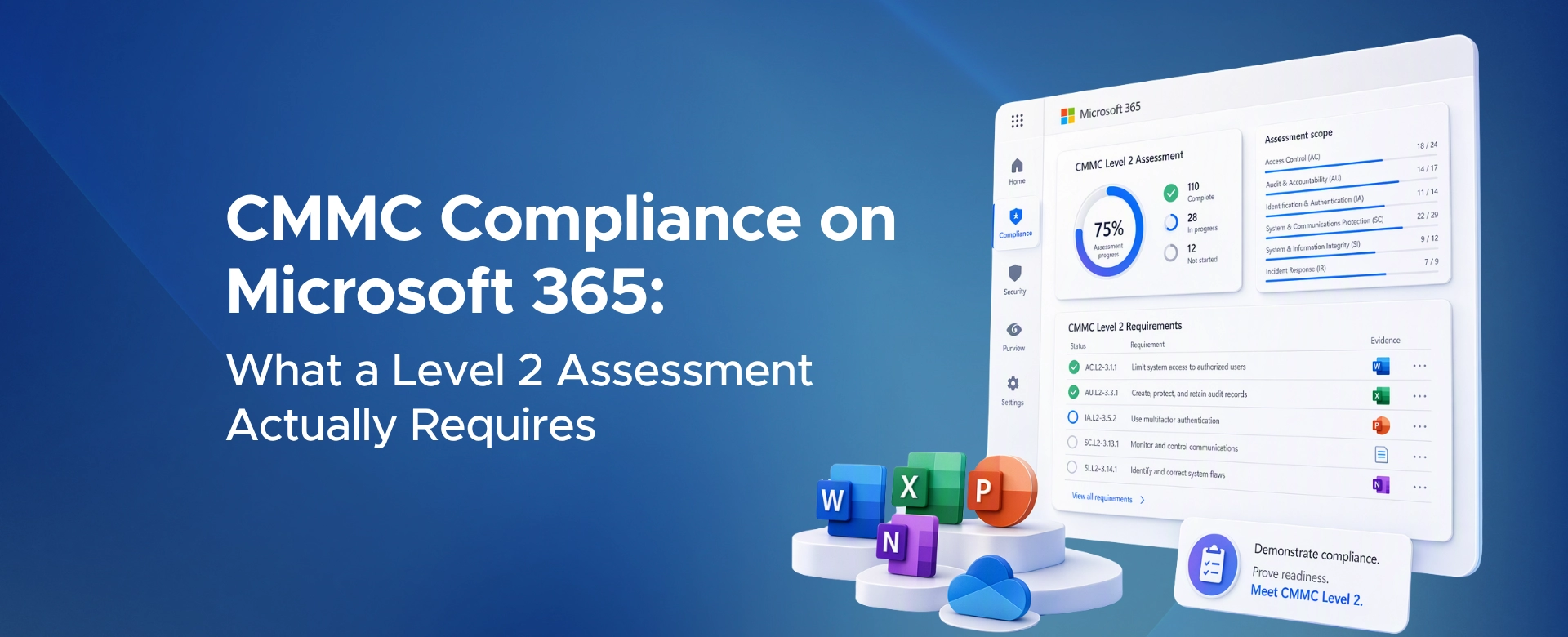 CMMC Compliance on Microsoft 365: What a Level 2 Assessment Actually Requires
CMMC compliance on Microsoft 365 starts with the right environment. See what NIST 800-171 Level 2 requires and how to configure your tenant for assessment.
 Protecting Company Data on BYOD Devices with Intune
Learn how to protect company data on BYOD devices with Microsoft Intune, using app protection policies, Conditional Access, MAM, and selective wipe.
 How to Block Unsafe Websites on Work Devices
Protect work devices from phishing, malware, and risky web content by using Microsoft Defender and Intune to block unsafe websites across your organization.