Learn how Microsoft Entra ID Smart Lockout works, when to configure it, and best practices to prevent brute-force and password spray attacks.

 Microsoft Entra ID Smart Lockout: Prevent Brute-Force Password Attacks
Learn how Microsoft Entra ID Smart Lockout works, when to configure it, and best practices to prevent brute-force and password spray attacks.
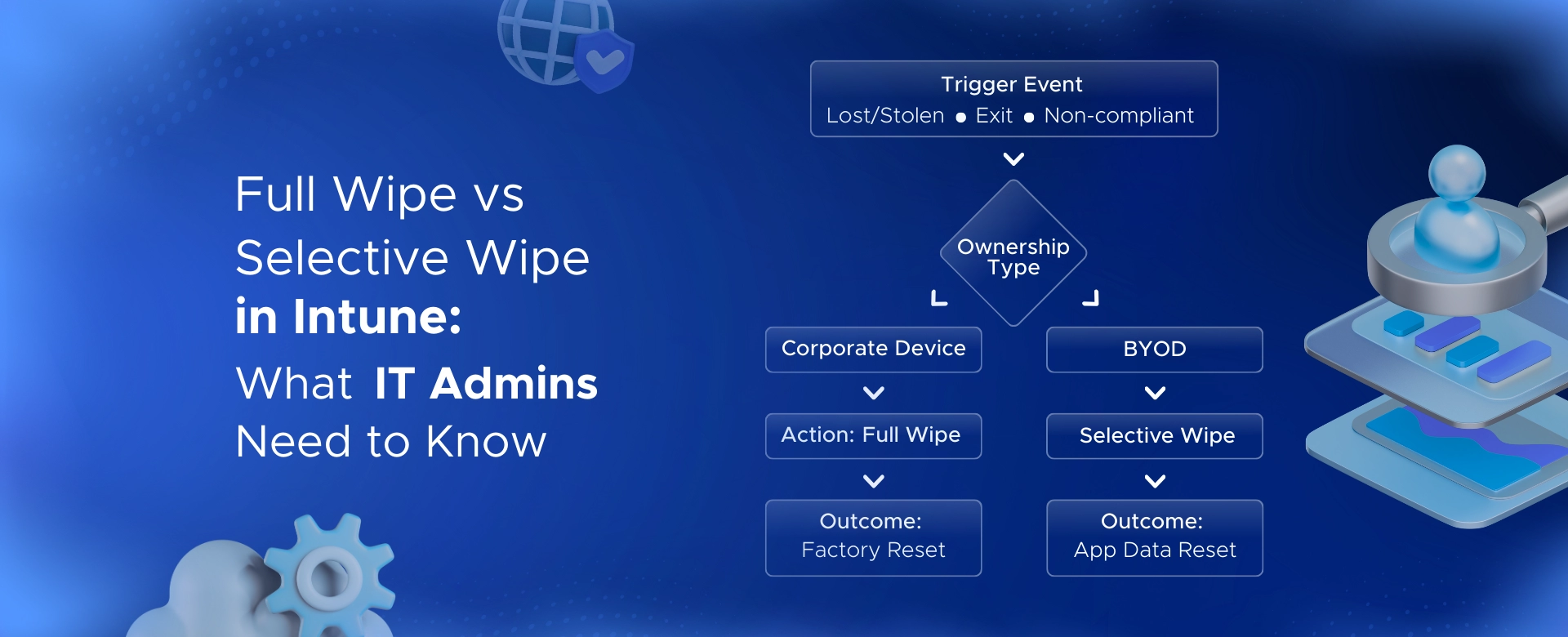 Full Wipe vs Selective Wipe in Intune: What IT Admins Need to Know
Learn how Intune full wipe and selective wipe work, when to use them, and best practices for secure device management in BYOD and corporate environments.
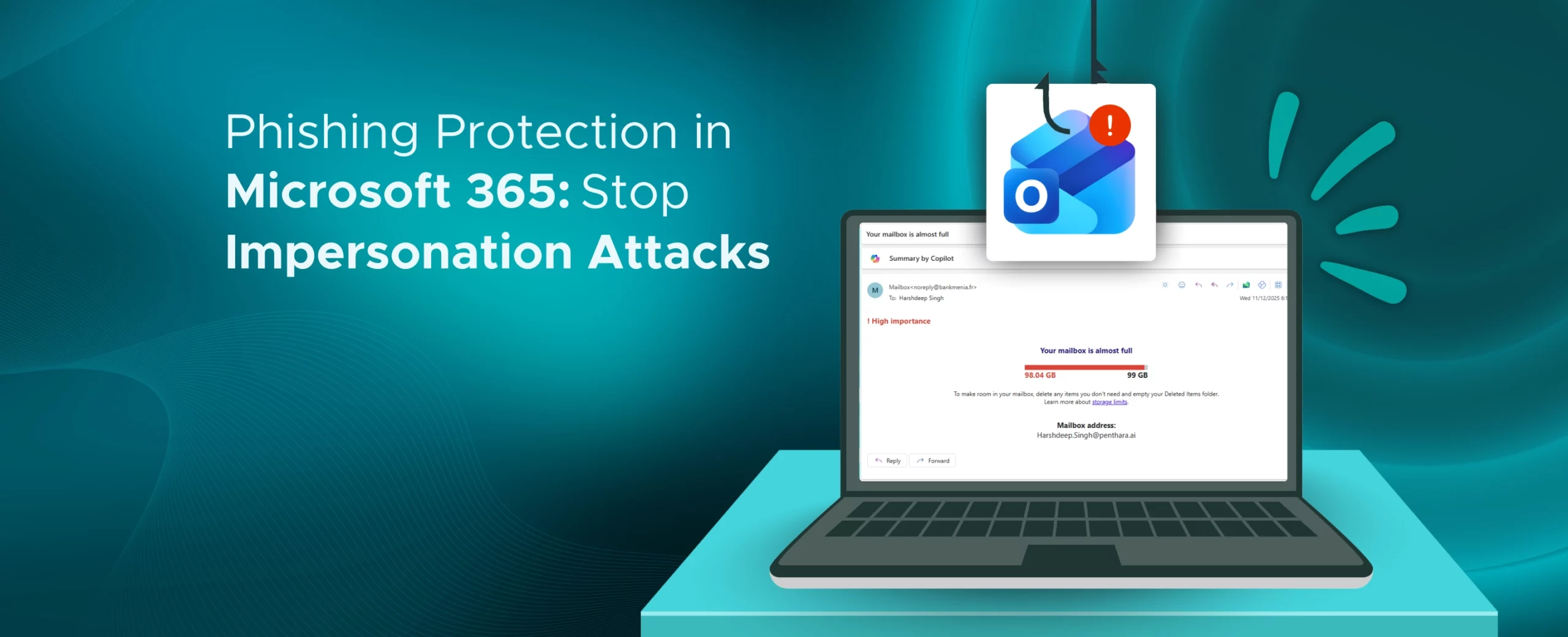 Phishing Protection in Microsoft 365: Stop Impersonation Attacks
Learn how to stop impersonation attacks in Microsoft 365 using anti-phishing policies, Safe Links, Safe Attachments, and mailbox intelligence.
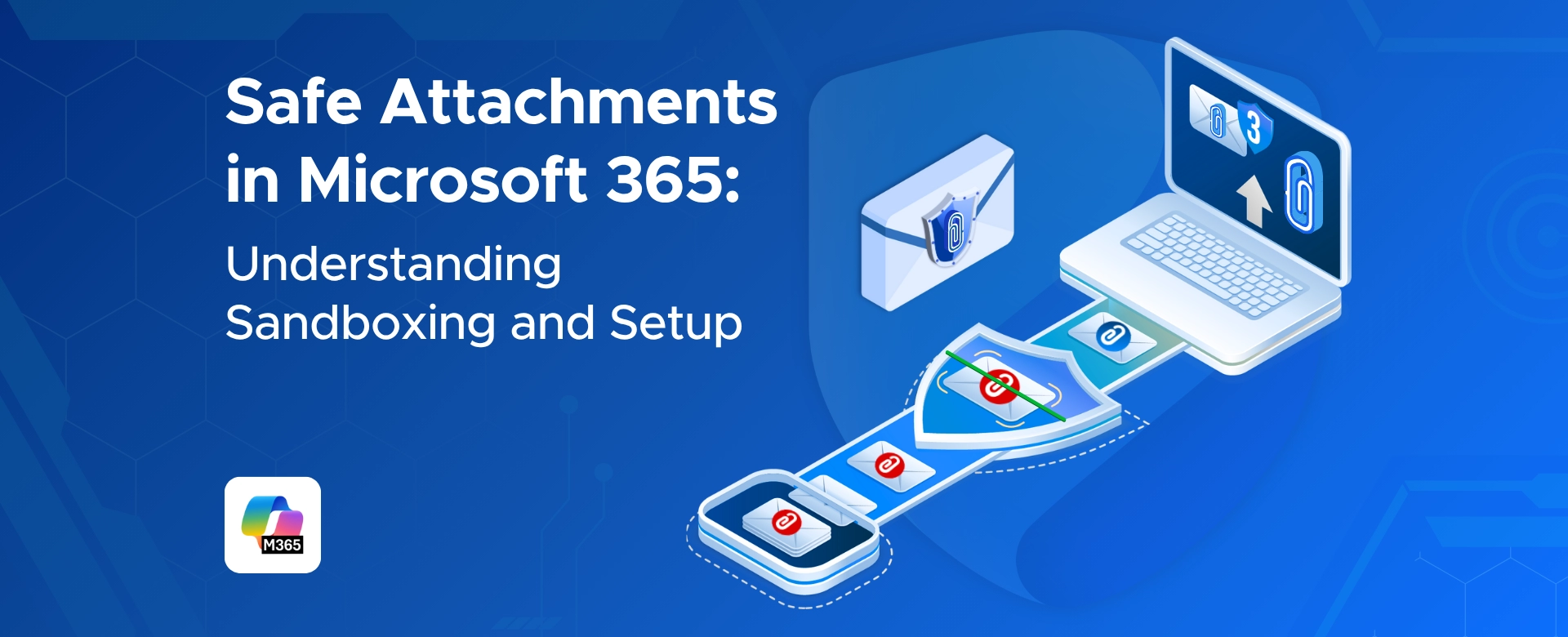 Safe Attachments in Microsoft 365: Understanding Sandboxing and Setup
Learn how Microsoft 365 Safe Attachments uses sandboxing to detect hidden malware, secure email and files, and protect your organization from advanced threats.
 How to Configure Safe Links in Microsoft 365 for Maximum Protection
Learn how to configure Safe Links in Microsoft 365 to block malicious URLs and strengthen protection across email, Teams, and Office apps.
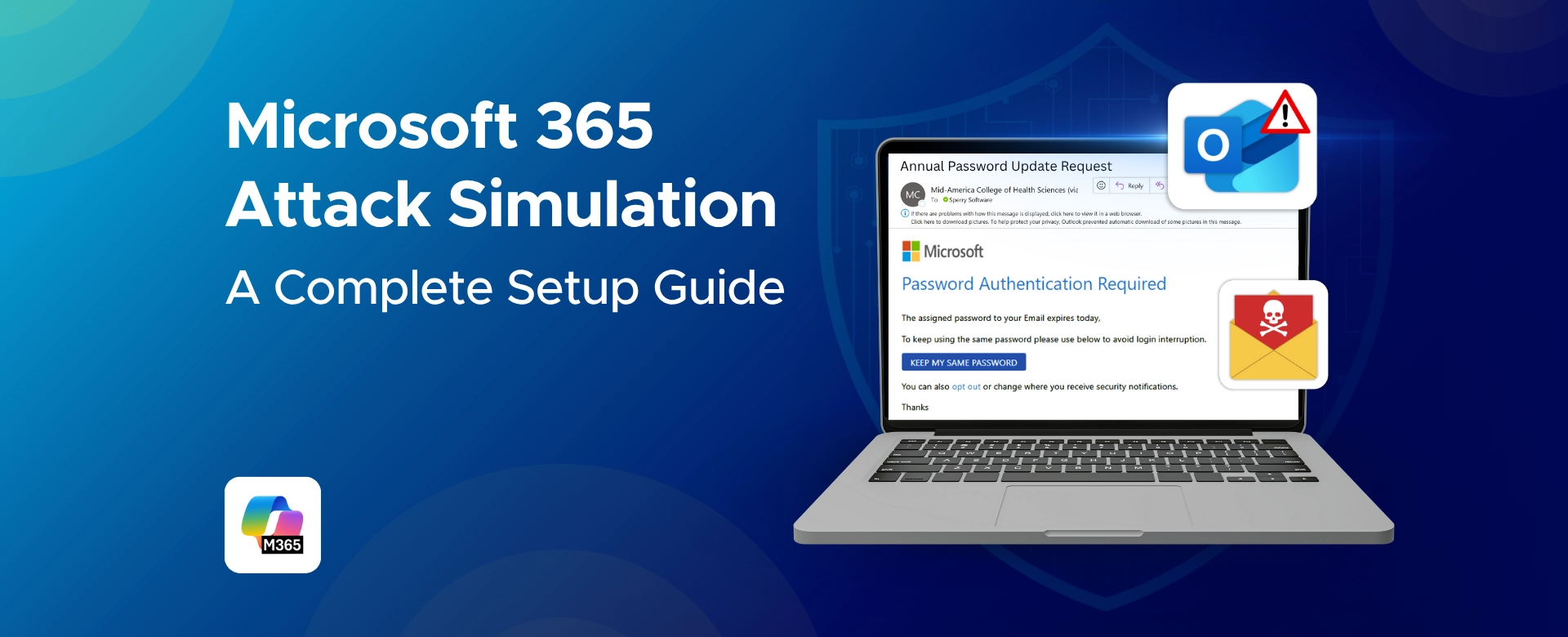 Microsoft 365 Attack Simulation: A Complete Setup Guide
A complete step-by-step guide to Microsoft 365 Attack Simulation Training, covering setup, phishing payload selection, targeting, training assignments, reporting, and best practices to help organizations strengthen user awareness and reduce phishing risks.
 Eligible vs. Active PIM Roles Explained: Best Practices for Microsoft 365 Security
Confused between eligible and active PIM roles in Microsoft 365? This guide explains how each works, when to use them, and how to configure just-in-time access to reduce security risks. Perfect for IT admins and security teams aiming to strengthen privileged access management.
 Passwordless vs. MFA in Microsoft 365: What's the Difference?
Learn the difference between MFA and Passwordless in Microsoft 365 - secure logins with biometrics, FIDO2 keys, and Conditional Access.
 Get Rid of Passwords: Microsoft 365 Passwordless Implementation Guide
Learn how Microsoft 365 enables secure, passwordless authentication using biometrics, FIDO2 security keys, Microsoft Authenticator, and Conditional Access
 How to Use Device Filters in Conditional Access Policy Conditions
Learn how to use device filters in Microsoft 365 Conditional Access to secure apps, control access, and simplify management for any device type.