Explore the latest Microsoft 365 updates including Copilot enhancements, AI meeting recaps, Teams improvements, and new productivity features.

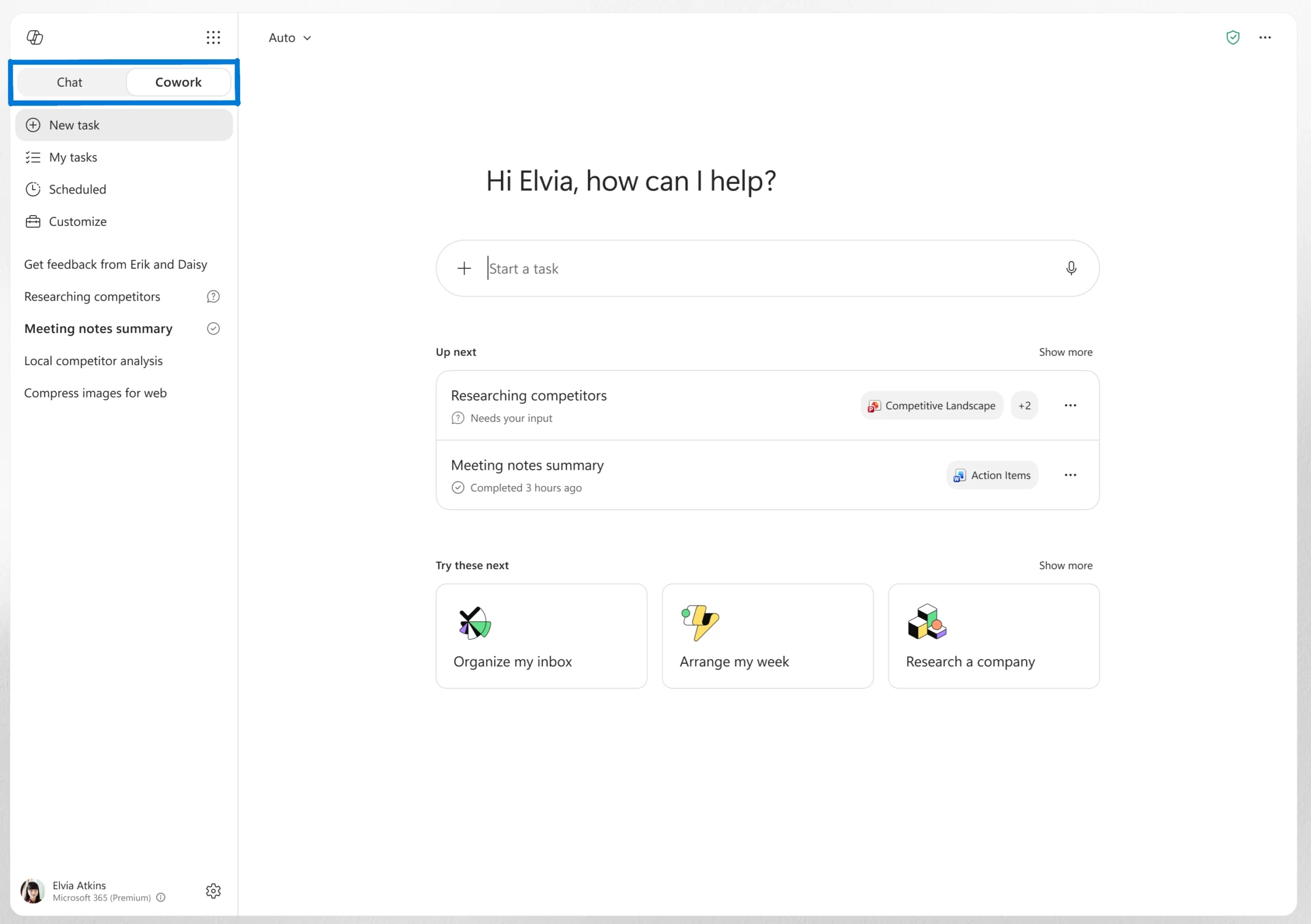
Copilot Cowork, an agentic system that can plan, execute, and complete work on a user’s behalf, is now generally available worldwide. Users can assign a task to Cowork, and it will work through the process from start to finish, returning a completed deliverable instead of a draft or recommendation.
Powered by Work IQ, Cowork uses organizational data and business context to help ensure tasks are completed using relevant information from connected systems. Administrators can monitor usage through the new Cost Management Dashboard in the Microsoft 365 admin center, which provides visibility into credit usage, budgets, and spending.
When this will happen
Generally available worldwide.
The Chat/Cowork toggle rolled out in June.
How this affects your organization
What will happen:
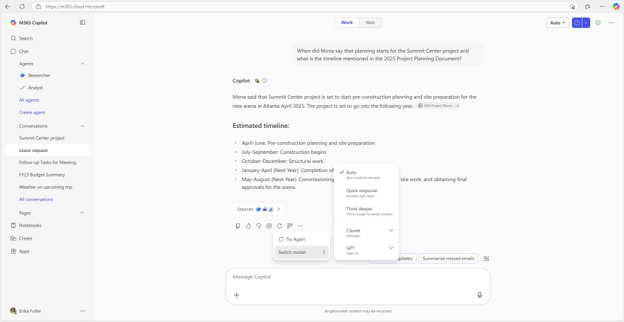
Smarter model selection in Copilot Cowork
Copilot Cowork can now automatically choose the most suitable AI model for a task. For example, it can use Anthropic models for visual work such as presentations and graphics, or GPT 5.5 for research tasks that require deeper analysis and citations. This helps users get the right capabilities for the job without having to select a model themselves.
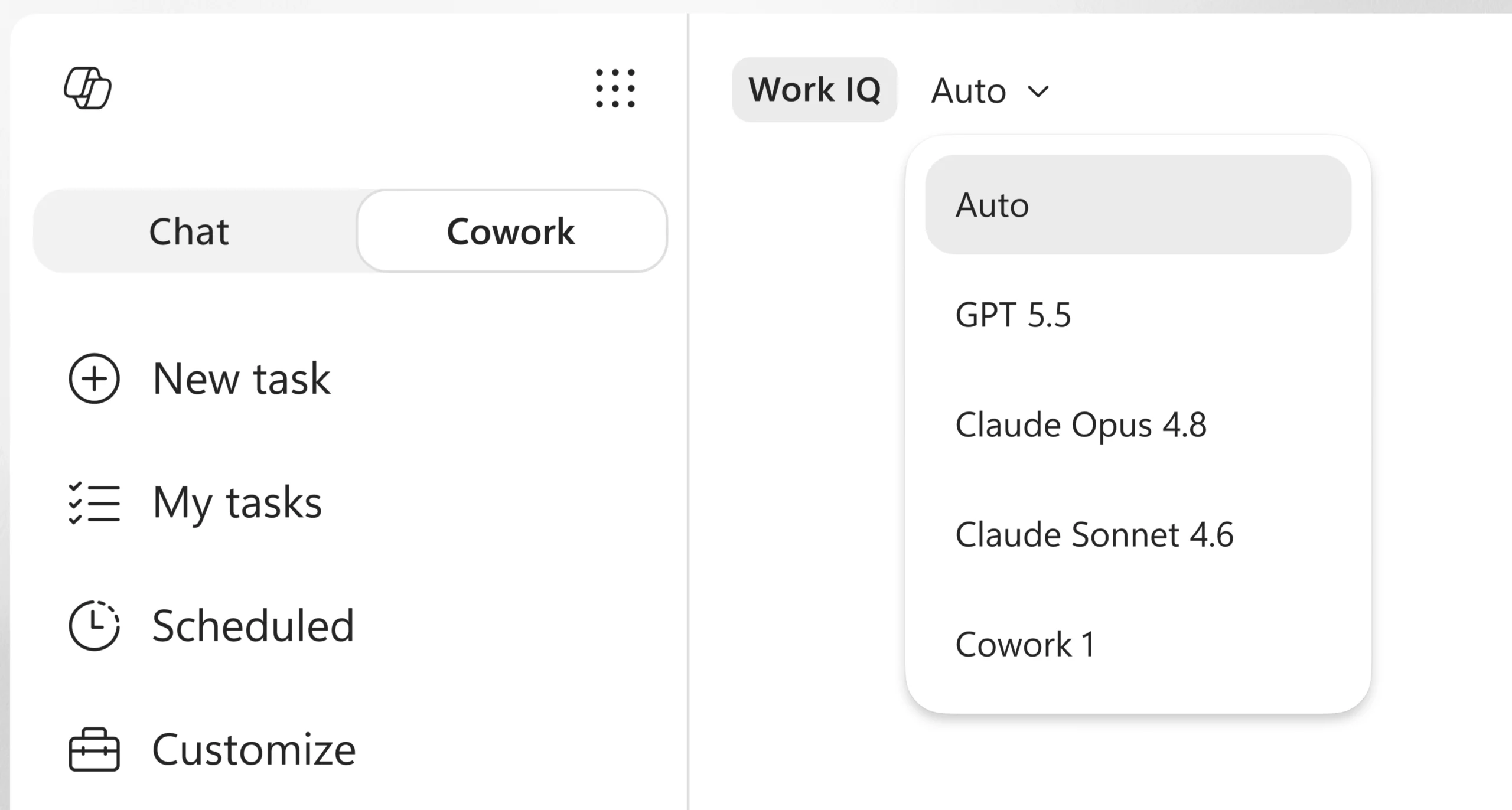
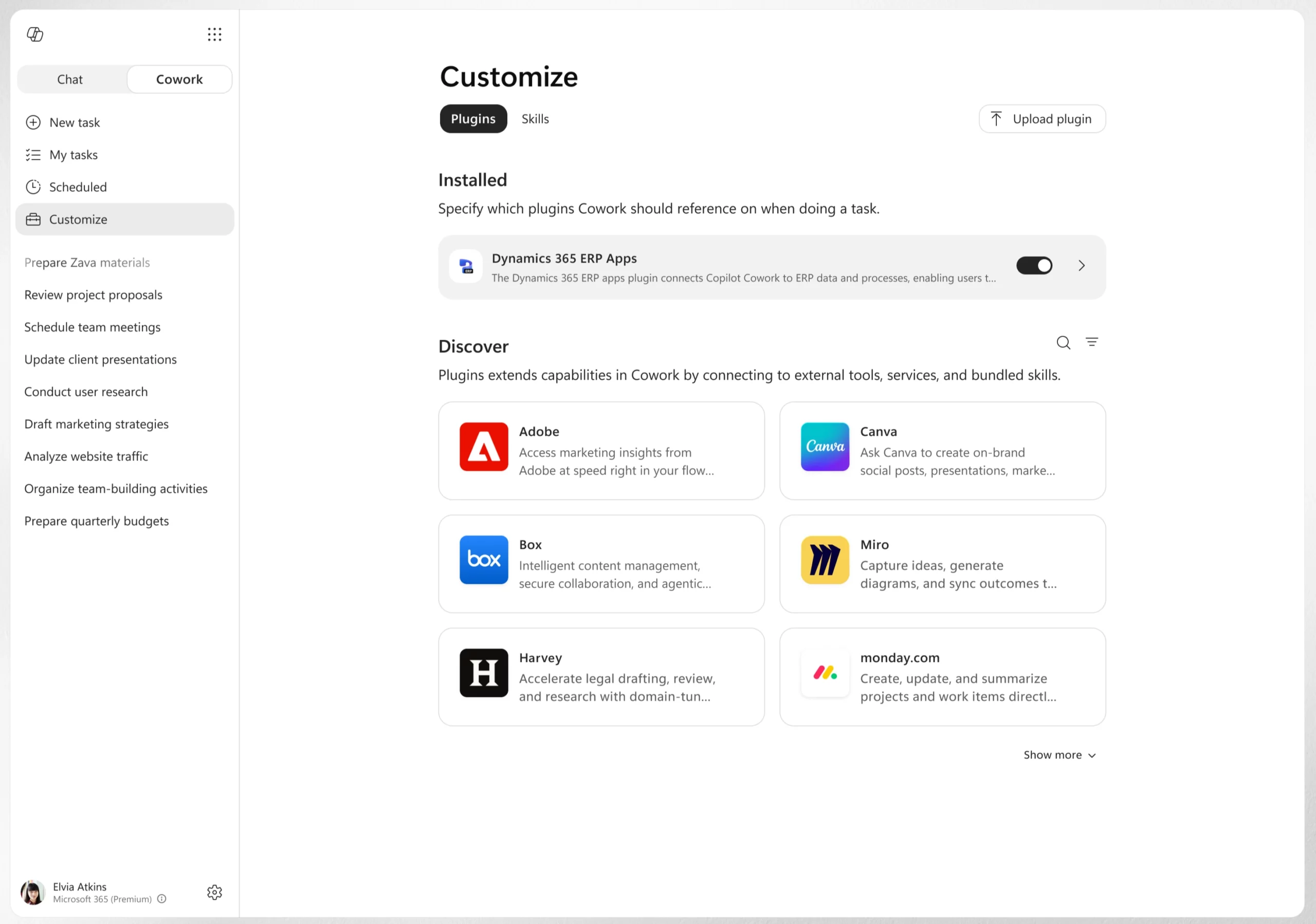
Expanded plugin support in Copilot Cowork
Copilot Cowork now supports more plugins, allowing users to access additional business systems directly within their workflow. New plugins include Enosix, Harvey, LSEG, Miro, monday.com, Moodys, Morningstar, S&P Global Energy, and TeamsMaestro, with Databricks available through sideloading.
Support has also been added for Microsoft Fabric and the full Dynamics 365 portfolio, including Sales, Customer Service, and ERP applications.
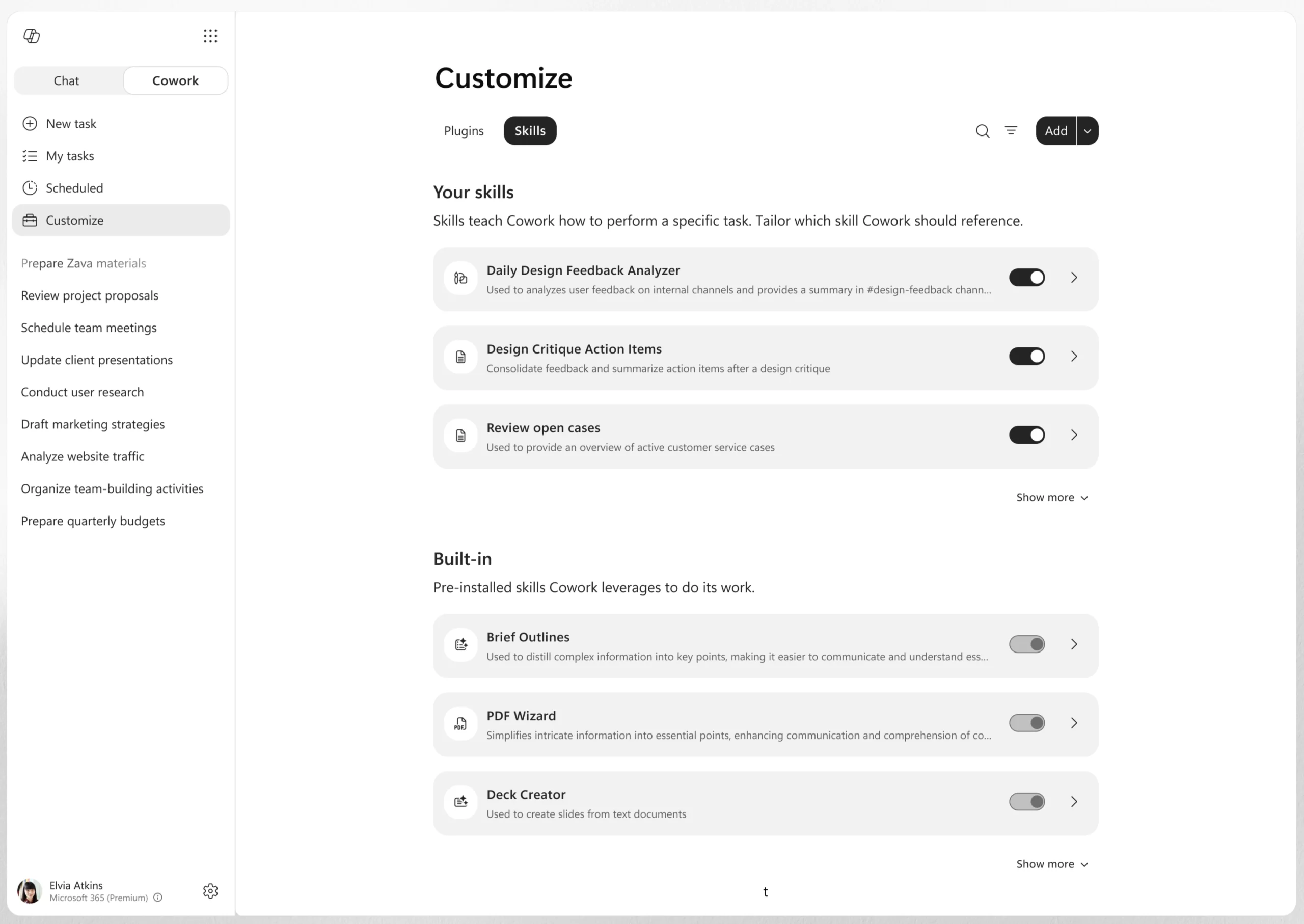
Custom skills management in Copilot Cowork
Users can now create, edit, and manage custom skills directly from the Customize tab in Copilot Cowork. Skills are custom instructions that help Cowork work according to a user's preferred processes and requirements.
Users can build and refine skills over time, as well as combine their own workflows with partner-provided or organization-wide skills delivered through plugins. This makes it easier to standardize recurring tasks without having to rewrite the same prompts repeatedly.
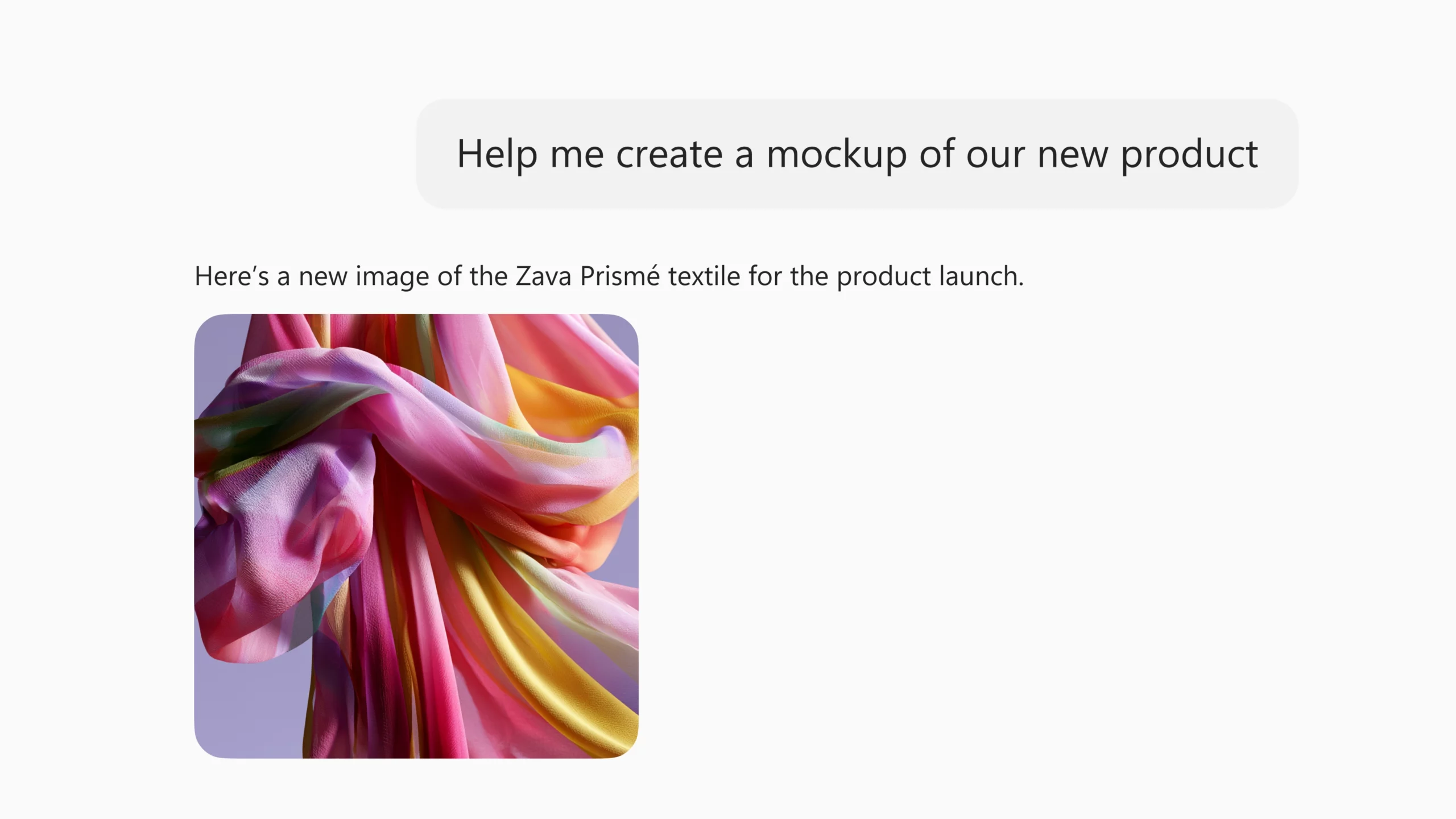
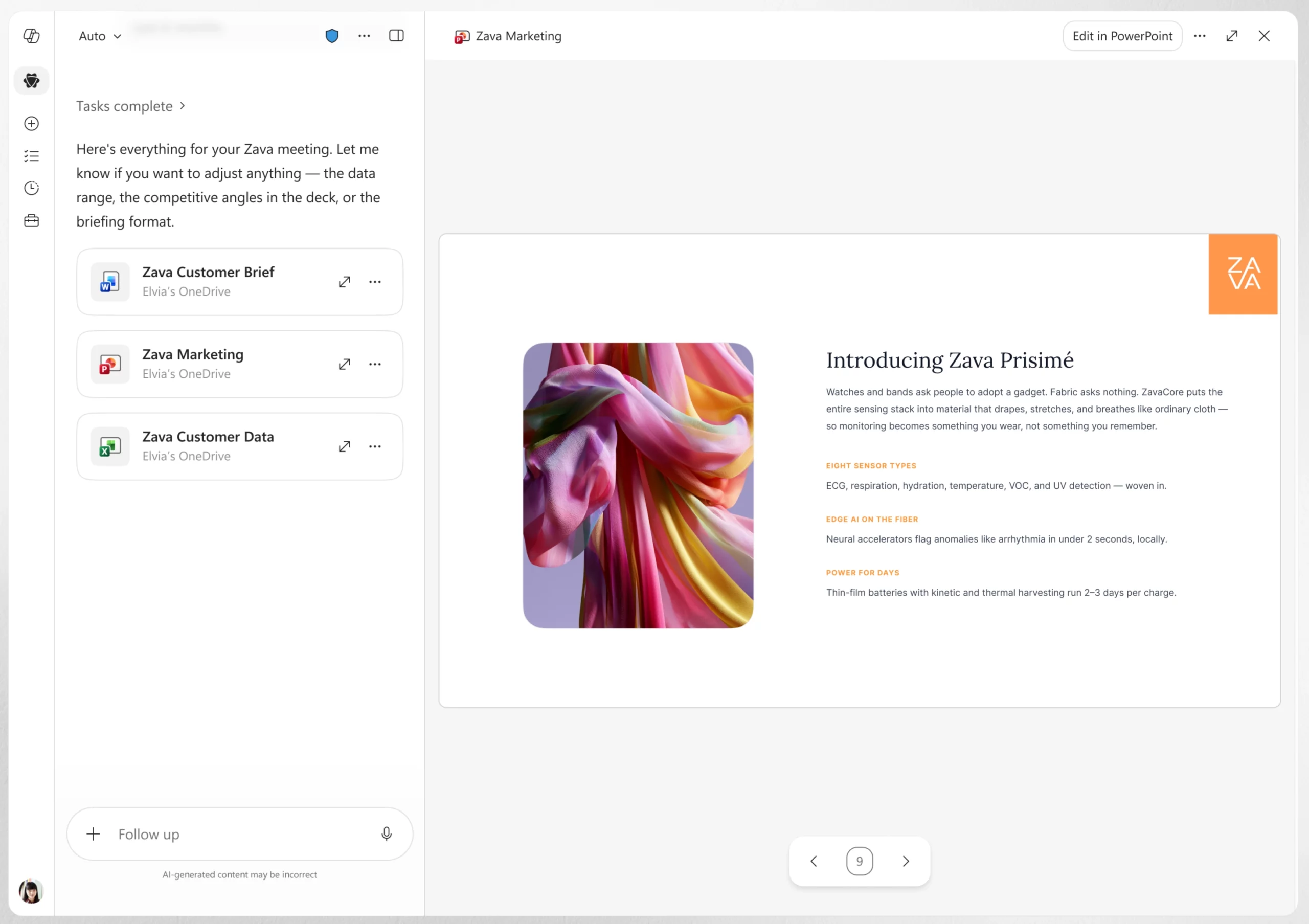
Create visuals and branded presentations in Copilot Cowork
Copilot Cowork can now create and edit visuals such as presentation graphics, document illustrations, and email images directly within the workflow. This helps users generate visual content without switching between different tools.
Cowork can also use an organization's approved PowerPoint templates, including brand colors, fonts, logos, and layouts. This helps users create presentations that align with company branding from the start and reduces the need for manual formatting later.
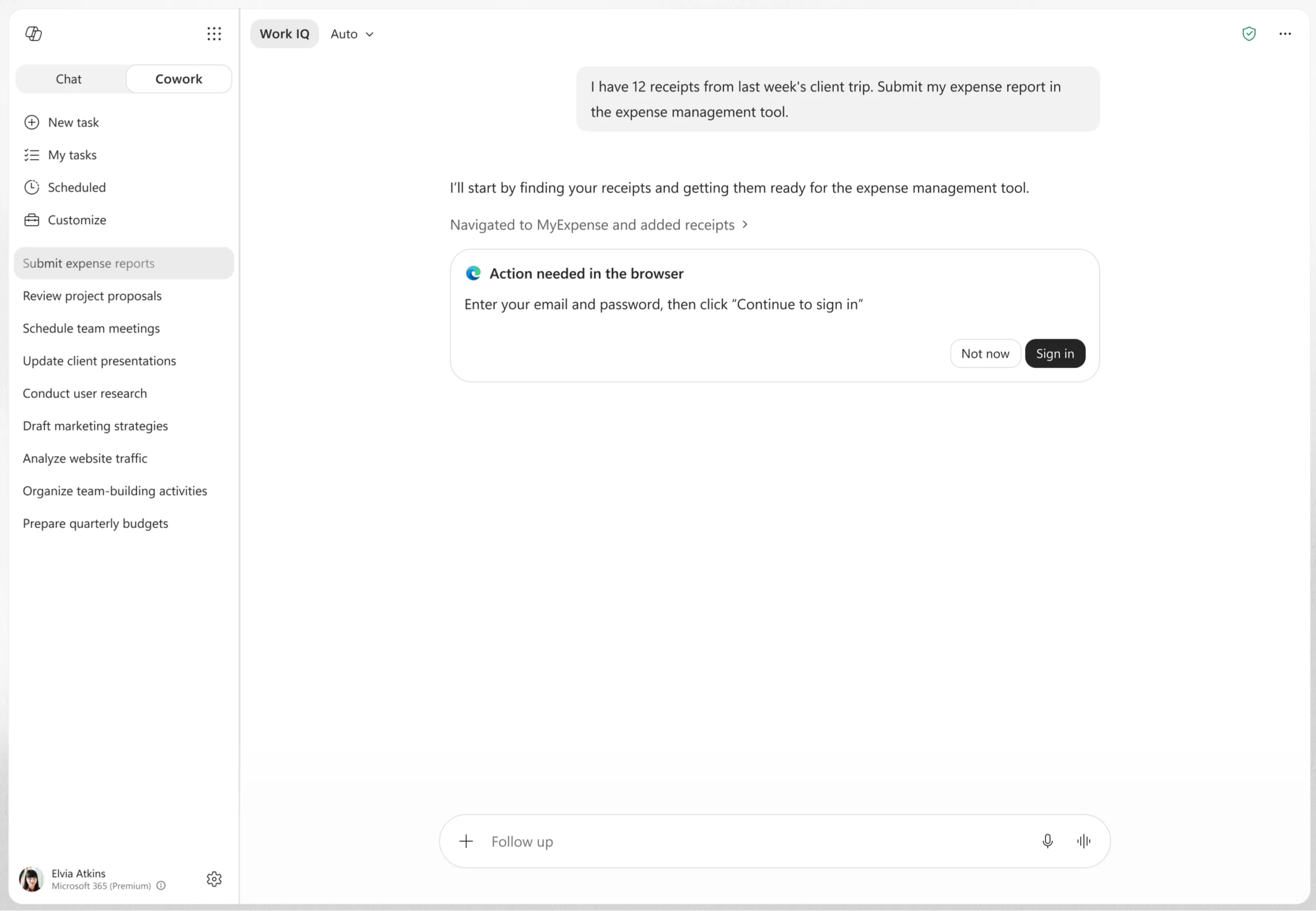
Browser-based actions in Copilot Cowork
Copilot Cowork can now use the Edge browser to complete tasks across business systems, websites, and intranet sites. This allows Cowork to interact with information and tools across different web-based environments as part of completing a task.
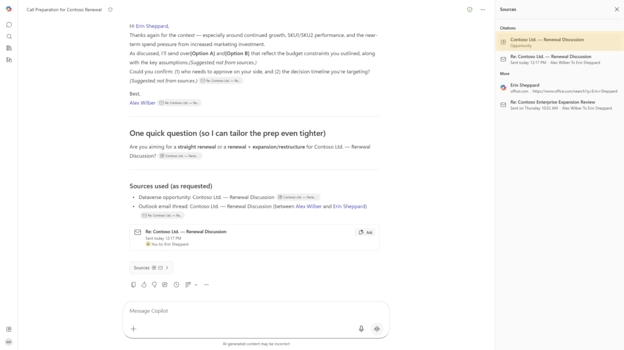
Microsoft 365 Copilot continues to expand how it reasons over business data and provides more transparent answers. New capabilities bring Power BI and Dataverse data directly into Copilot experiences, while enhanced citations help users verify responses more easily.
When this will happen
How this affects your organization
What will happen:
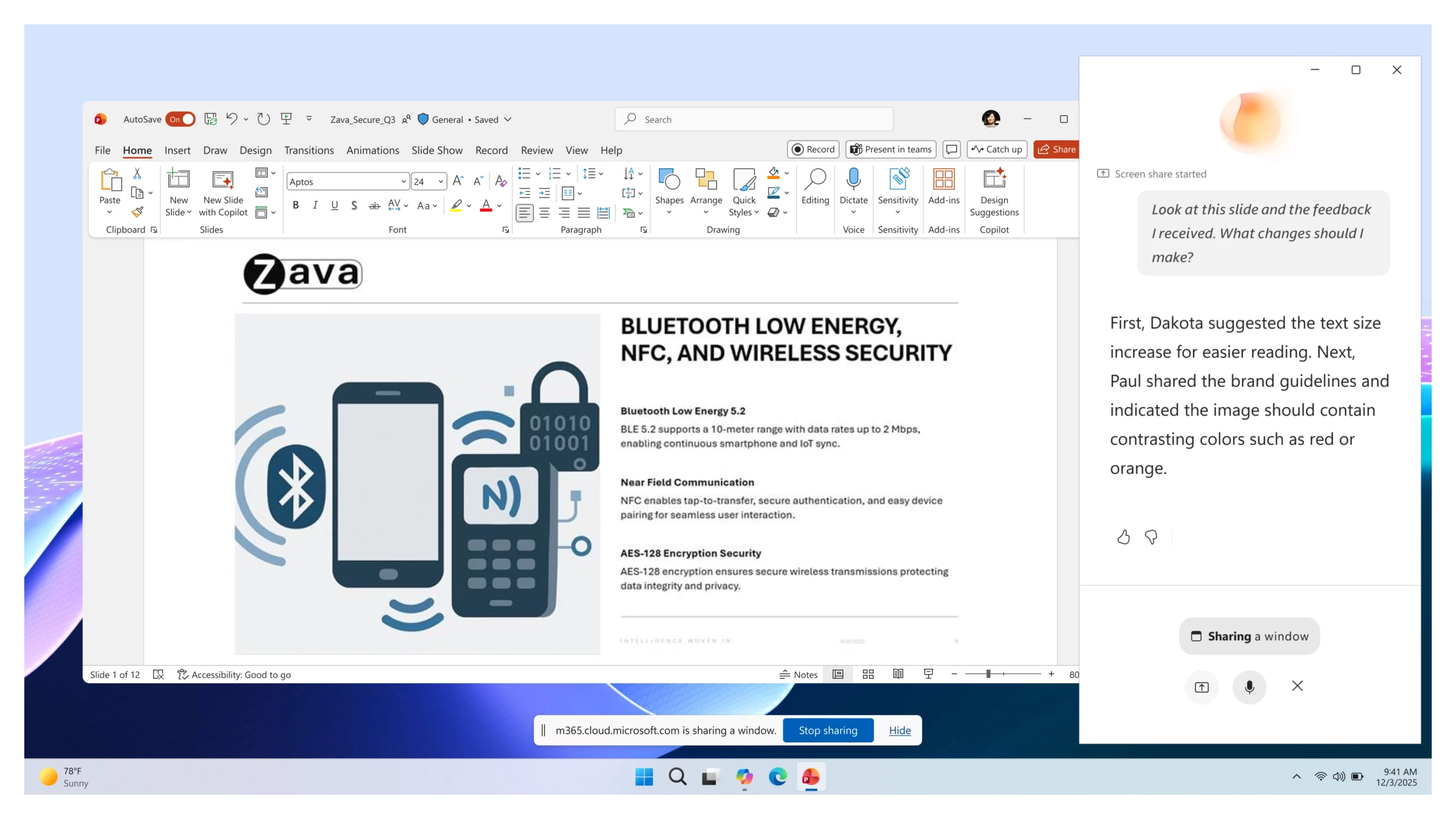
Vision in Microsoft 365 Copilot helps users get answers faster when work depends on what they can see on their screen or through their phone camera. Instead of describing a dashboard, document, image, error message, or real-world object, users can show it directly to Copilot and ask questions in a voice conversation.
How this affects your organization
What will happen:
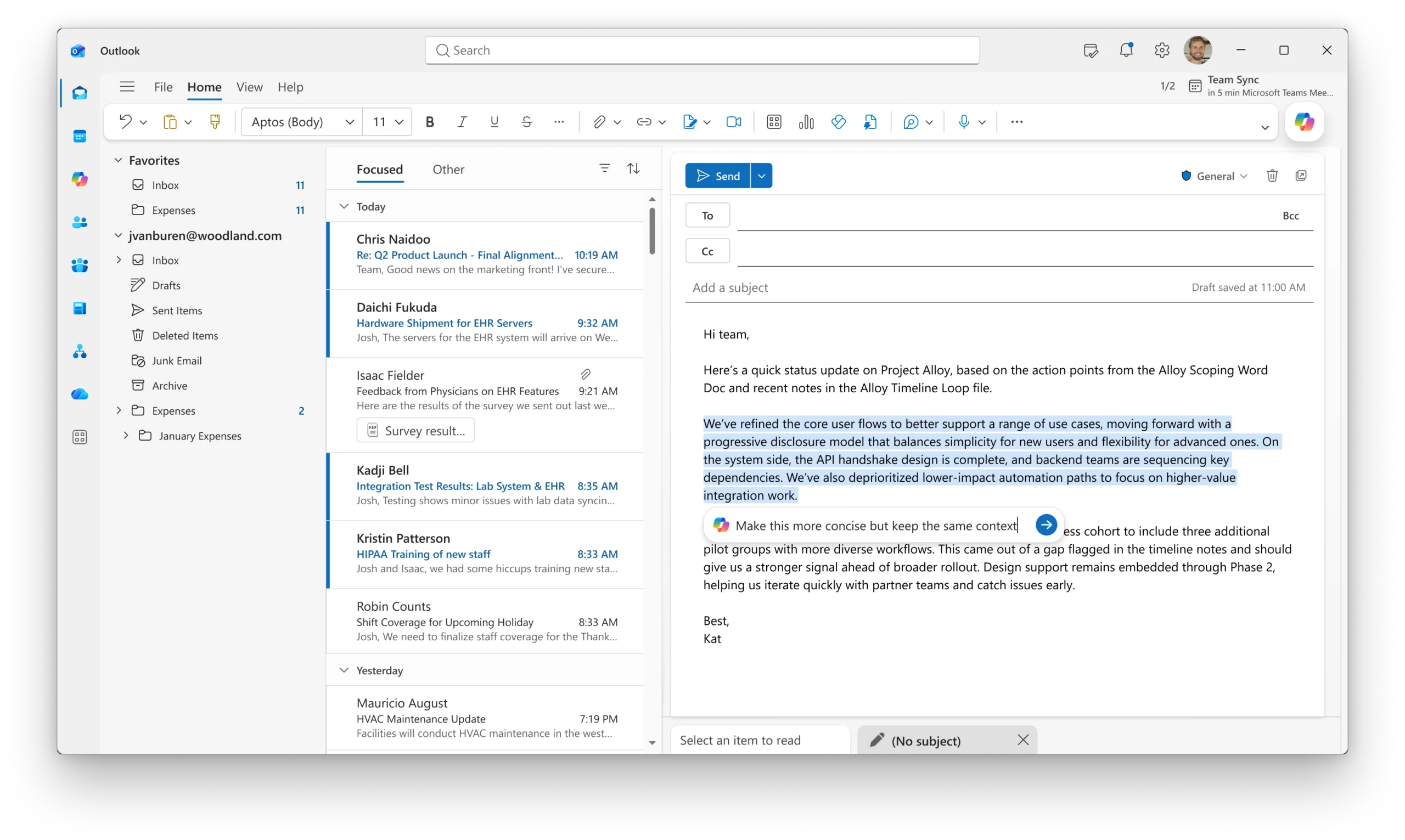
New Copilot enhancements in Outlook make it easier for users to manage Copilot settings and refine email drafts directly within the compose experience.
When this will happen
How this affects your organization
What will happen:
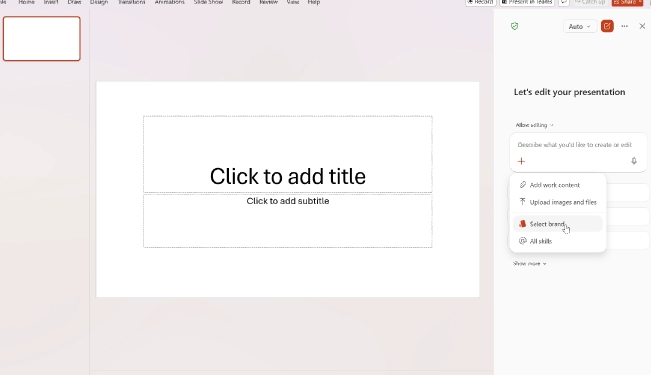
Brand Kit Picker helps users create presentations that align with their organization's approved branding from the start. When generating a presentation with Copilot, users can choose an admin-approved brand kit that applies the correct visual style automatically.
When this will happen
How this affects your organization
What will happen:
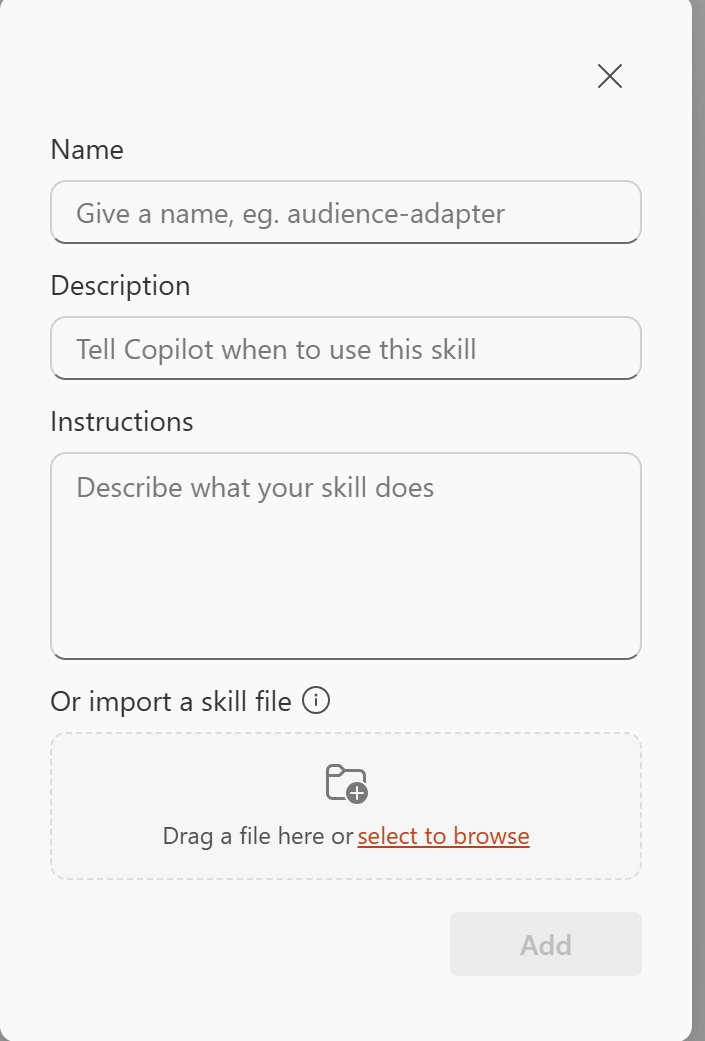
Users can now use Skills in Copilot for Excel to turn repeatable workflows into reusable instructions. Teams can create custom skills for common analysis, modeling, and reporting tasks, making it easier to apply consistent processes across their work.
When this will happen
How this affects your organization
What will happen:
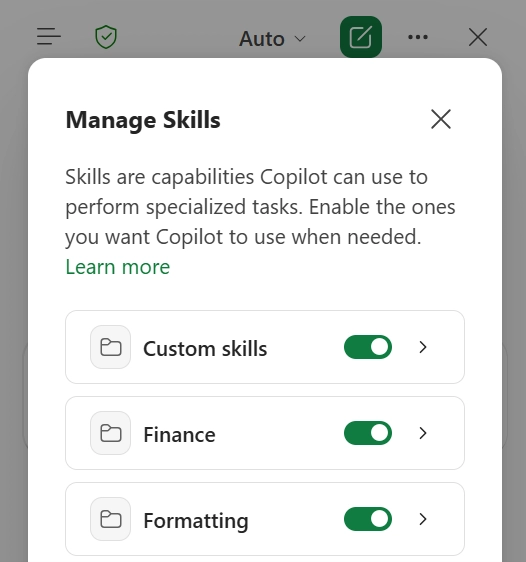
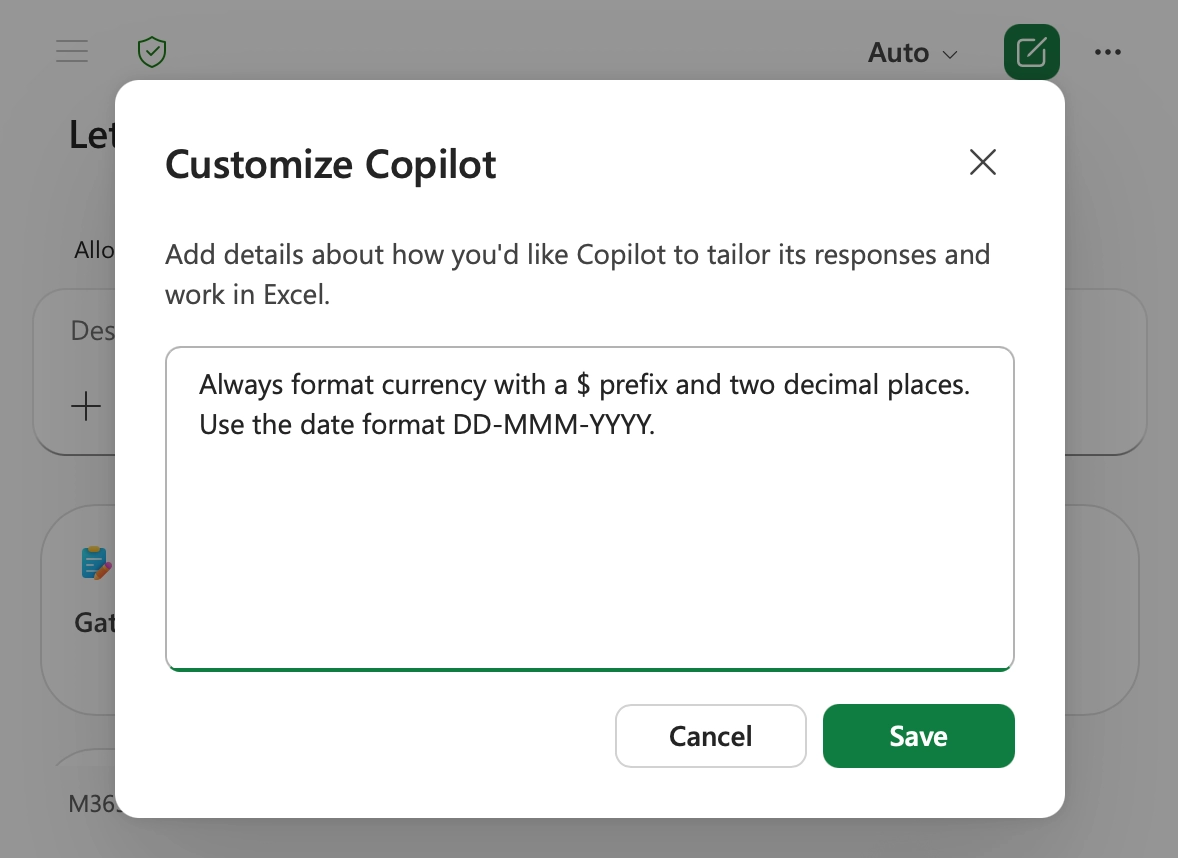
Copilot in Excel now supports Personalization, allowing users to define their preferences once and have them applied consistently across workbooks. This helps Copilot generate spreadsheet content that aligns with individual working styles and standards.
When this will happen
How this affects your organization
What will happen:
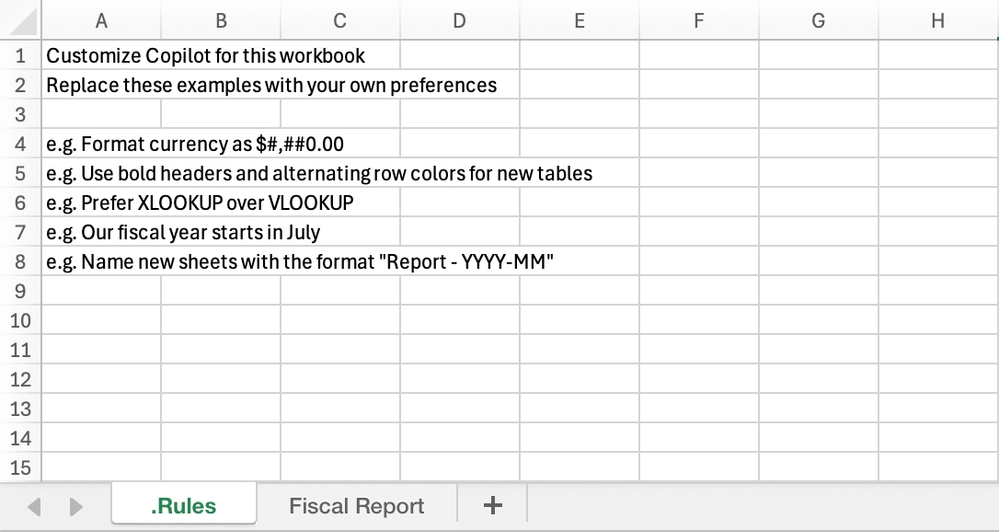
Copilot in Excel now supports workbook rules sheets, giving teams a way to define workbook-specific standards that Copilot can follow when editing a file. This helps ensure consistency across shared workbooks and recurring business processes.
When this will happen
How this affects your organization
What will happen:
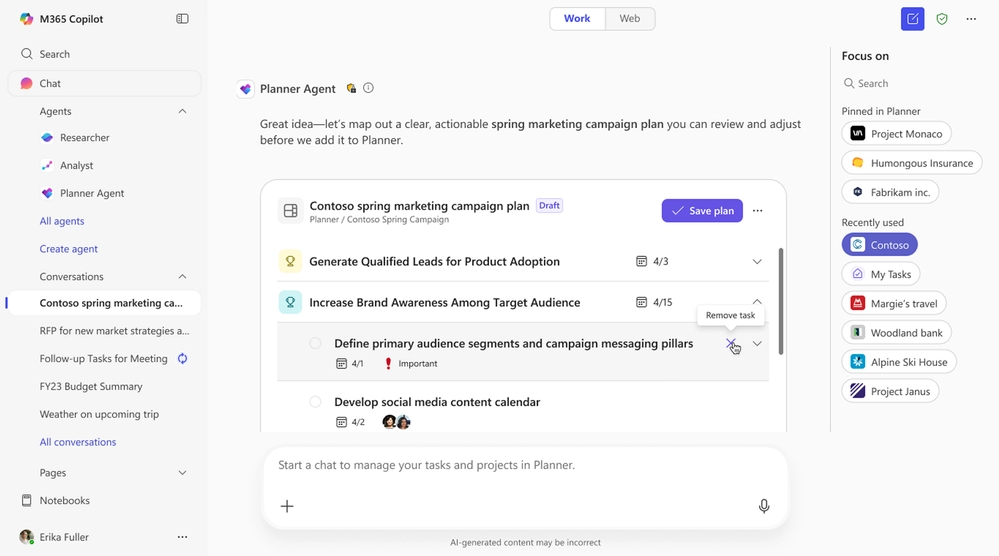
New updates to Copilot Agents provide users with greater flexibility when conducting research and managing work. Users can now select Researcher models directly in conversations and use the Planner Agent to organize tasks and plans within Microsoft 365 Copilot.
When this will happen
How this affects your organization
What will happen:
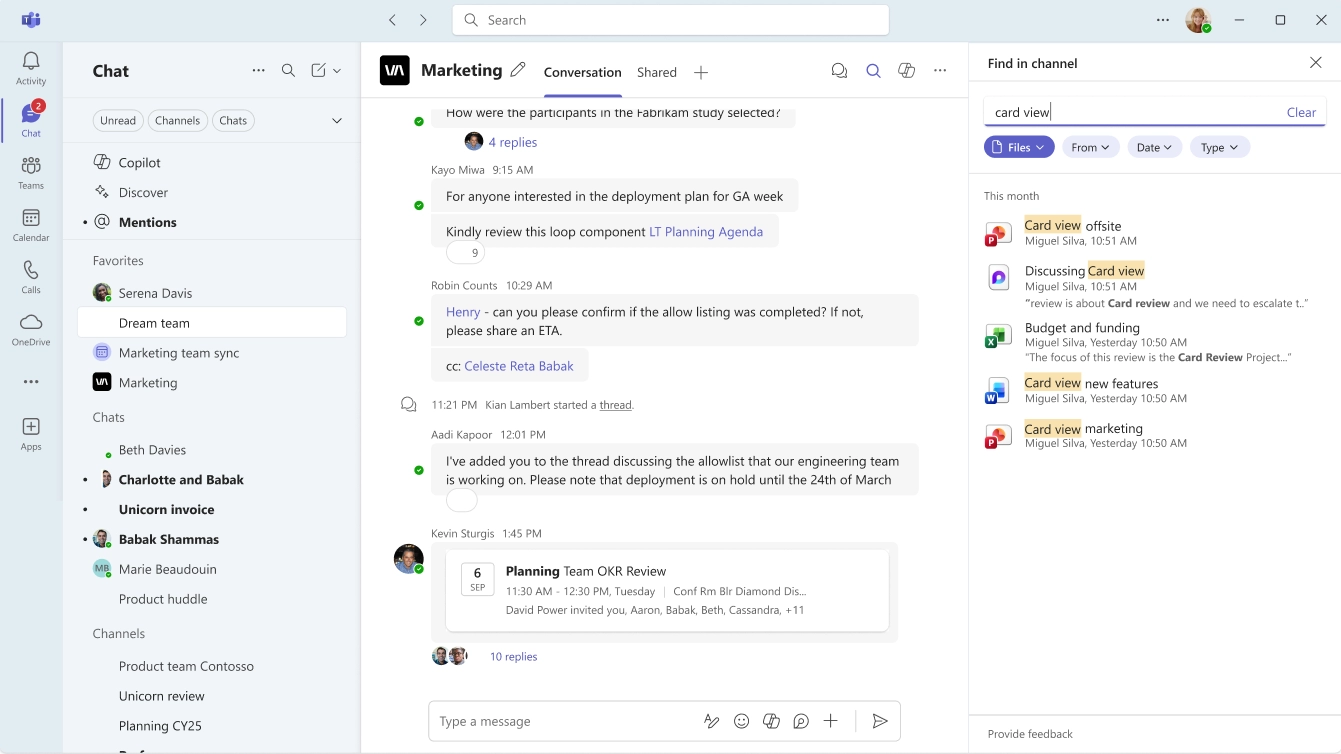
Microsoft Teams is enhancing file discovery in chats and channels with improved contextual search and additional filtering options. These updates help users locate shared files more quickly without needing to scroll through conversations or request files again.
How this affects your organization
What will happen:
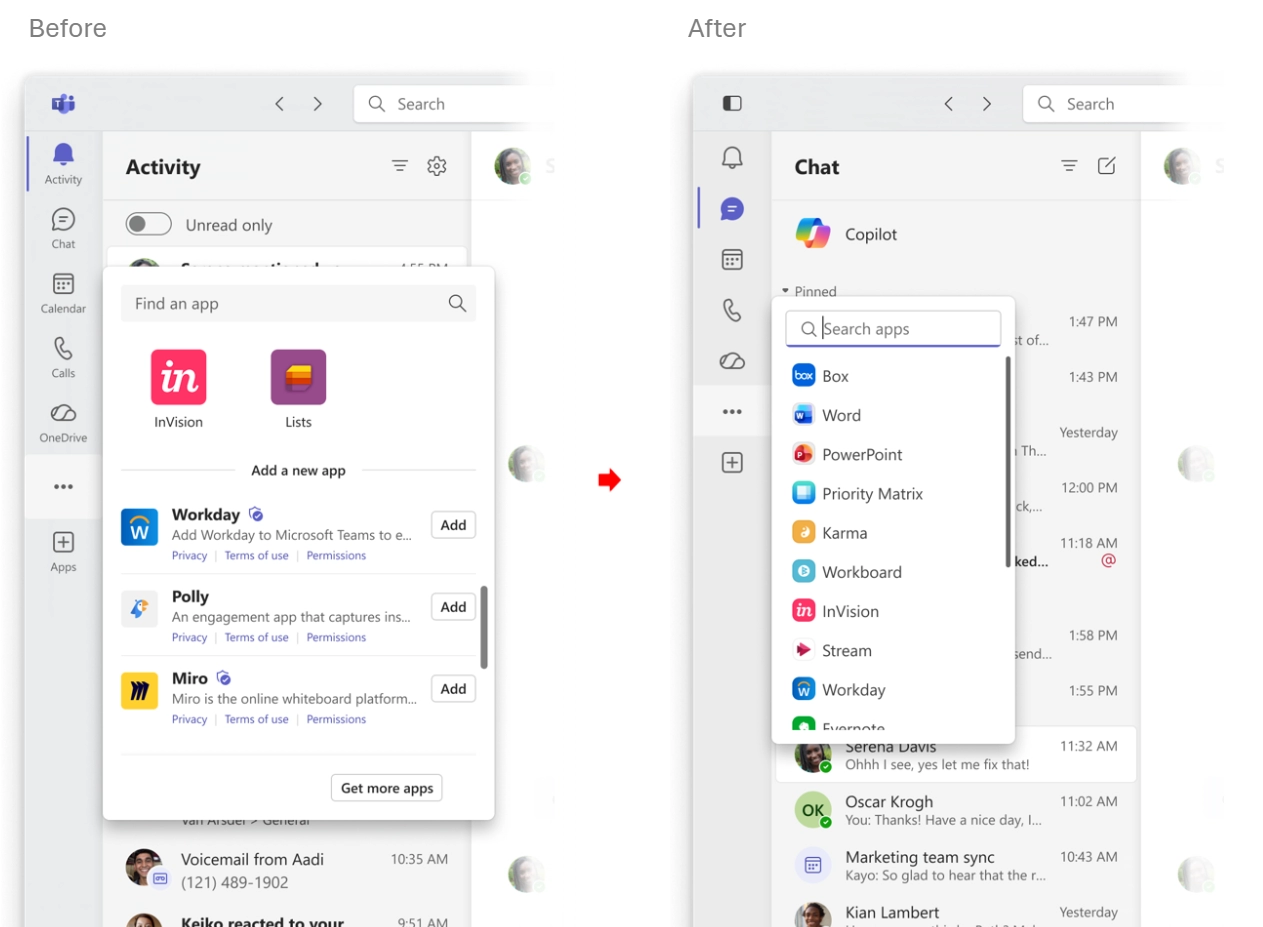
Microsoft Teams is introducing a new list view for View more apps to make it easier for users to browse and find applications. The updated experience reduces visual clutter and improves app discovery.
How this affects your organization
What will happen:
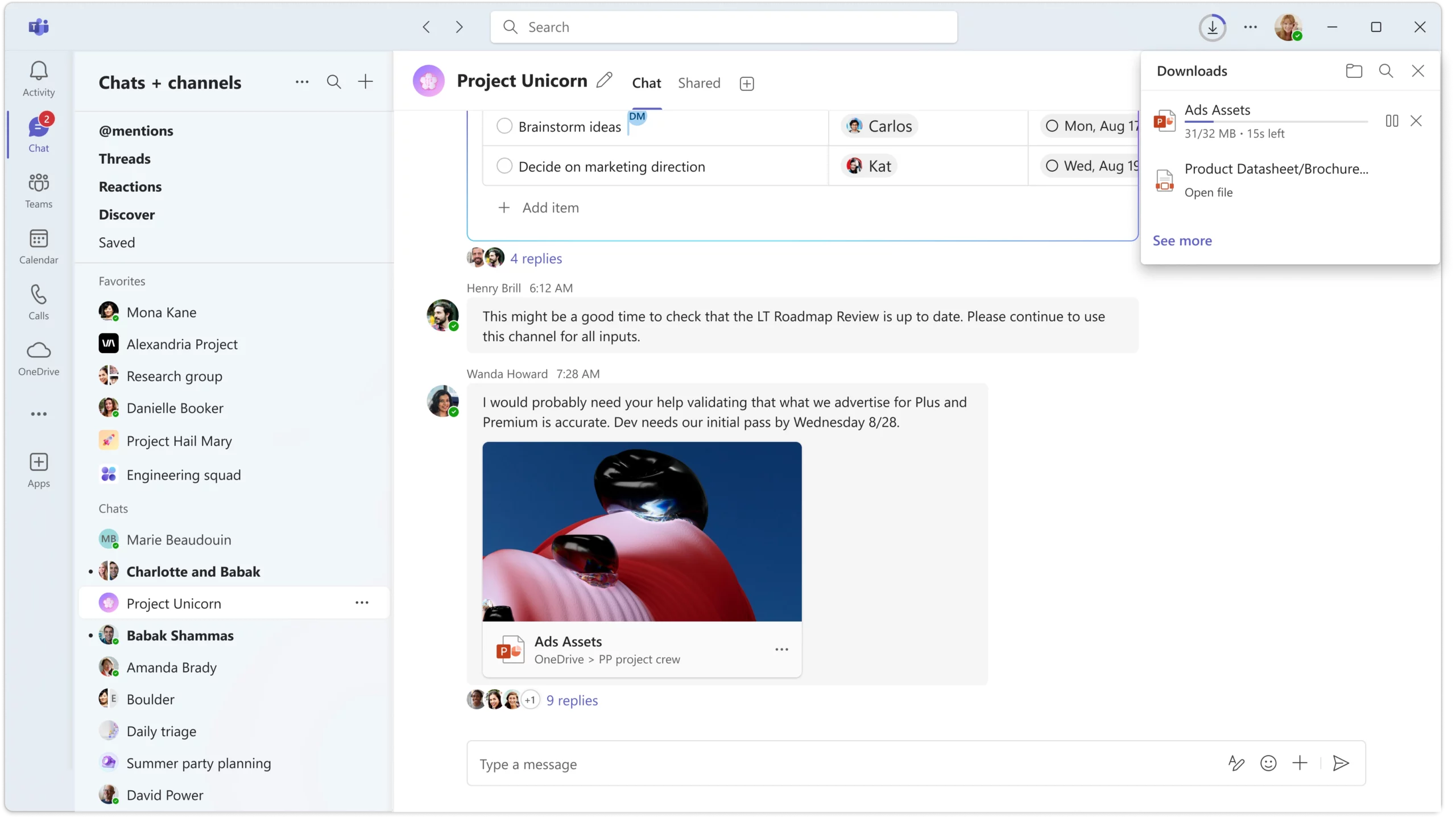
Microsoft Teams is enhancing the download experience with an updated download manager that makes it easier to track file downloads while continuing to work in chats and channels.
How this affects your organization
What will happen:
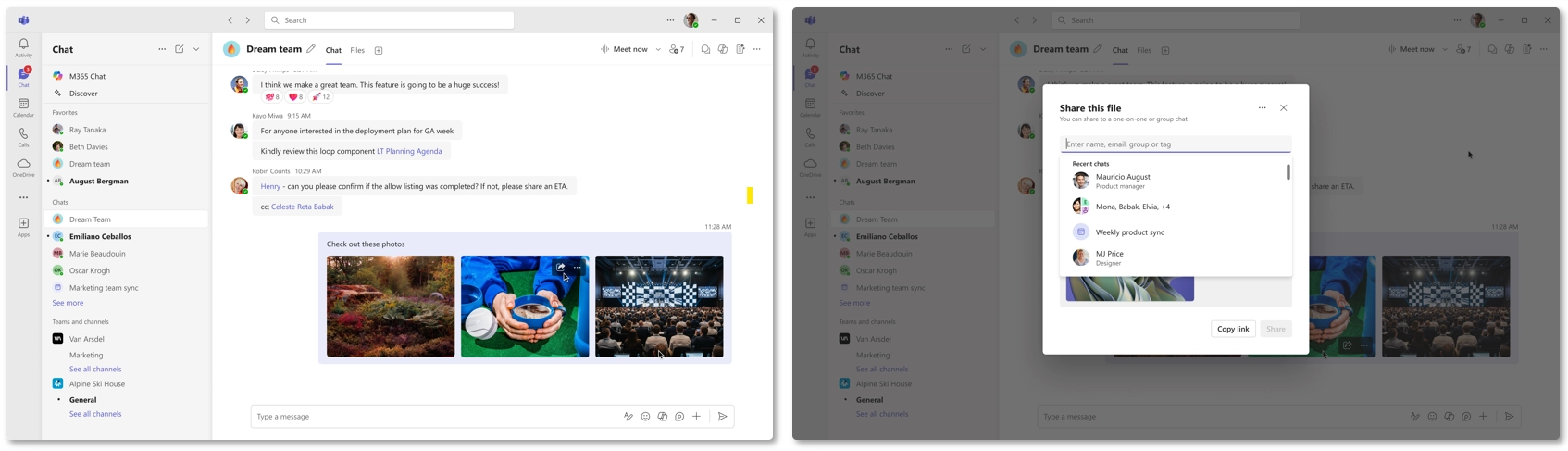
Quick Share in Microsoft Teams makes it easier to share images across chats and channels. Users can quickly access sharing options from multiple locations in Teams and share image links while preserving existing permissions for supported files.
How this affects your organization
What will happen:
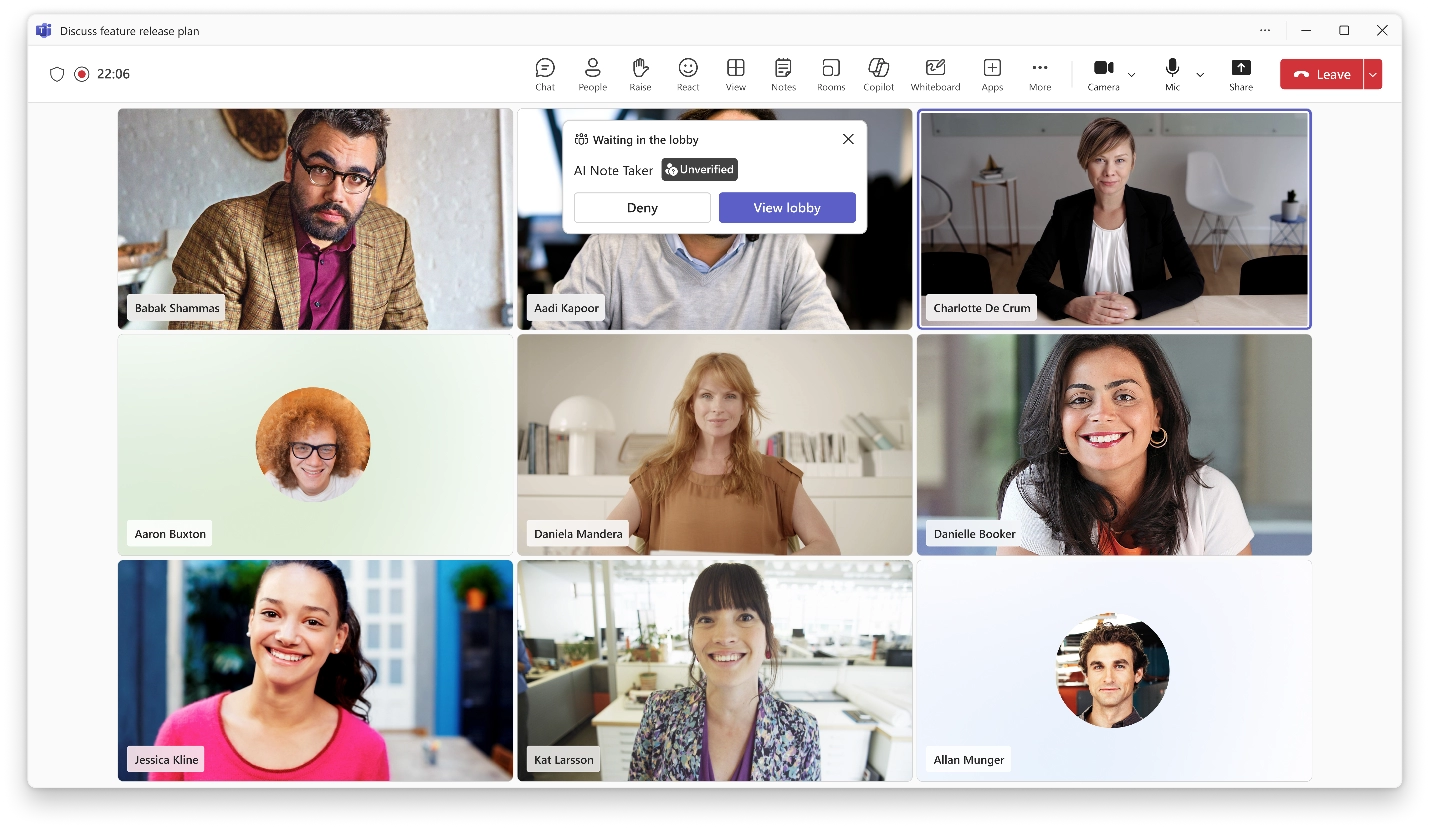
Microsoft Teams is introducing new controls to help organizations manage AI note-taking bots and other external bots in meetings. The update provides greater visibility and control over bot access to help reduce privacy and security risks.
How this affects your organization
What will happen:
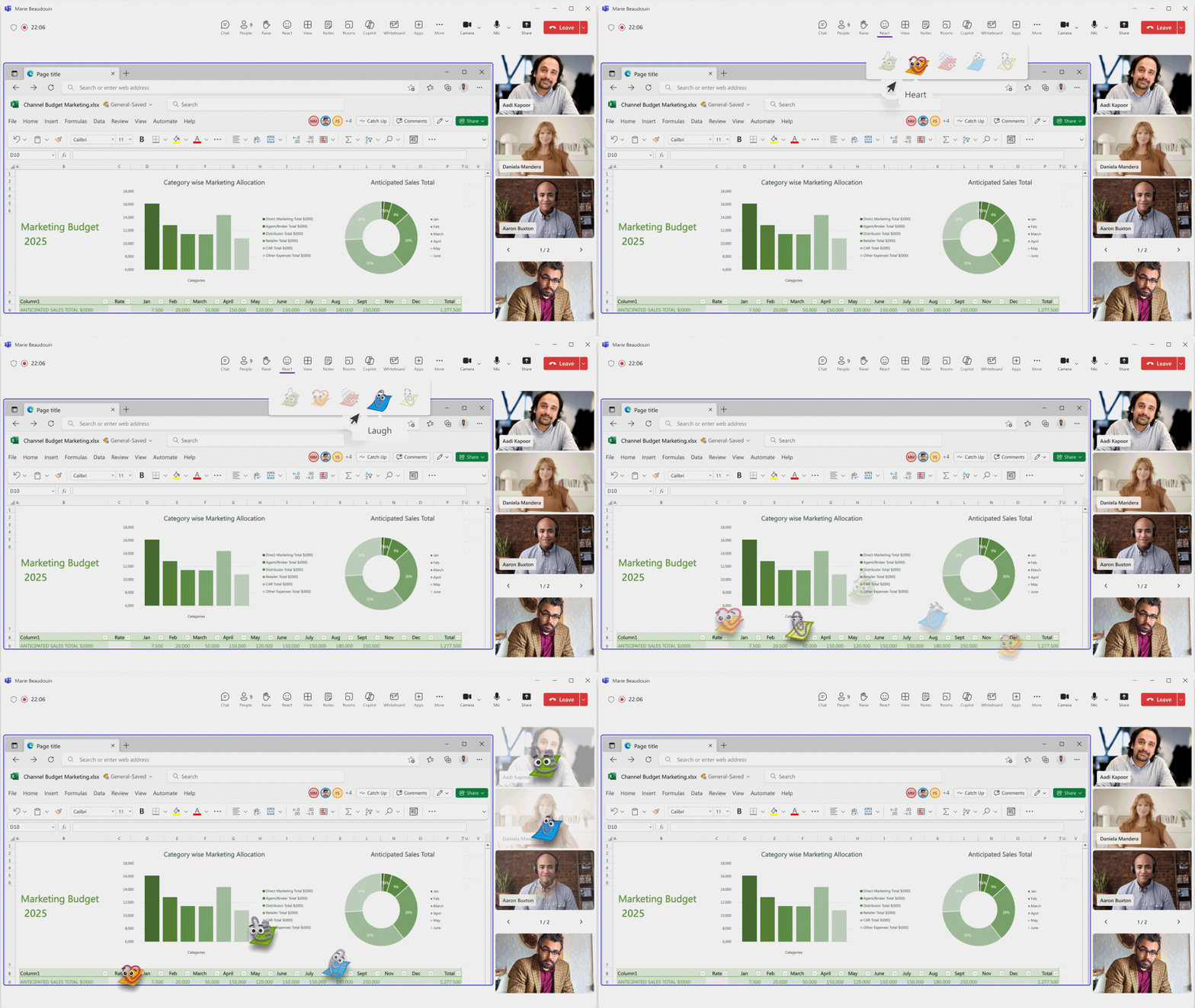
Microsoft Teams is introducing branded reactions, allowing organizations to customize meeting reactions with their own visual identity. This helps create more consistent and recognizable meeting experiences across the organization.
How this affects your organization
What will happen:
Monthly updates, news & events from Microsoft to help your business grow.

CEO at Penthara Technologies


 What's new in Microsoft | May 2026 Updates
Explore the latest Microsoft 365 updates including Copilot enhancements, AI meeting recaps, Teams improvements, and new productivity features.
 What's new in Microsoft | April 2026 Updates
Explore the latest Microsoft 365 updates including Copilot enhancements, AI meeting recaps, Teams improvements, and new productivity features.
 Former Employee Recurring Meetings Still Showing? Here’s How to Remove Them
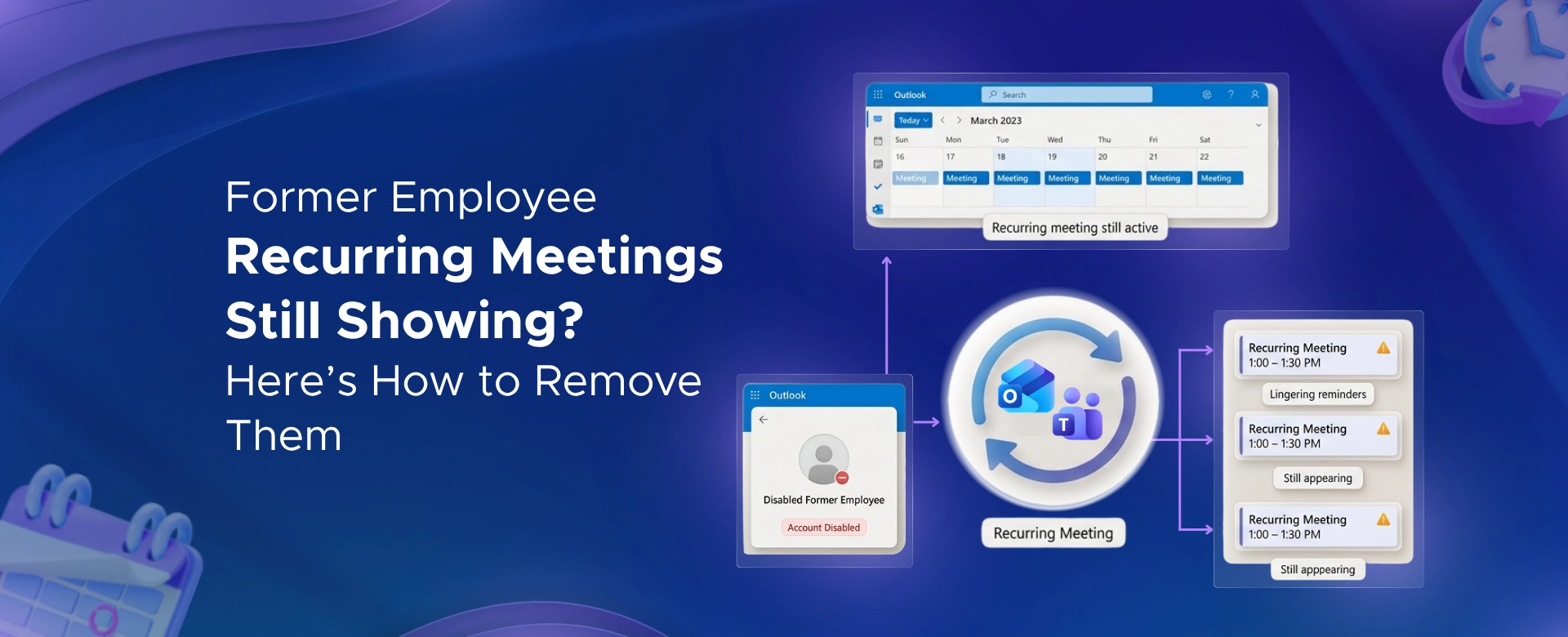
Learn how to remove recurring meetings from former employees in Microsoft 365 using Outlook, PowerShell, or eDiscovery - based on account status.